Nice app
Best app i used in long time. I always love how fast it creates subtitles and easy to export them

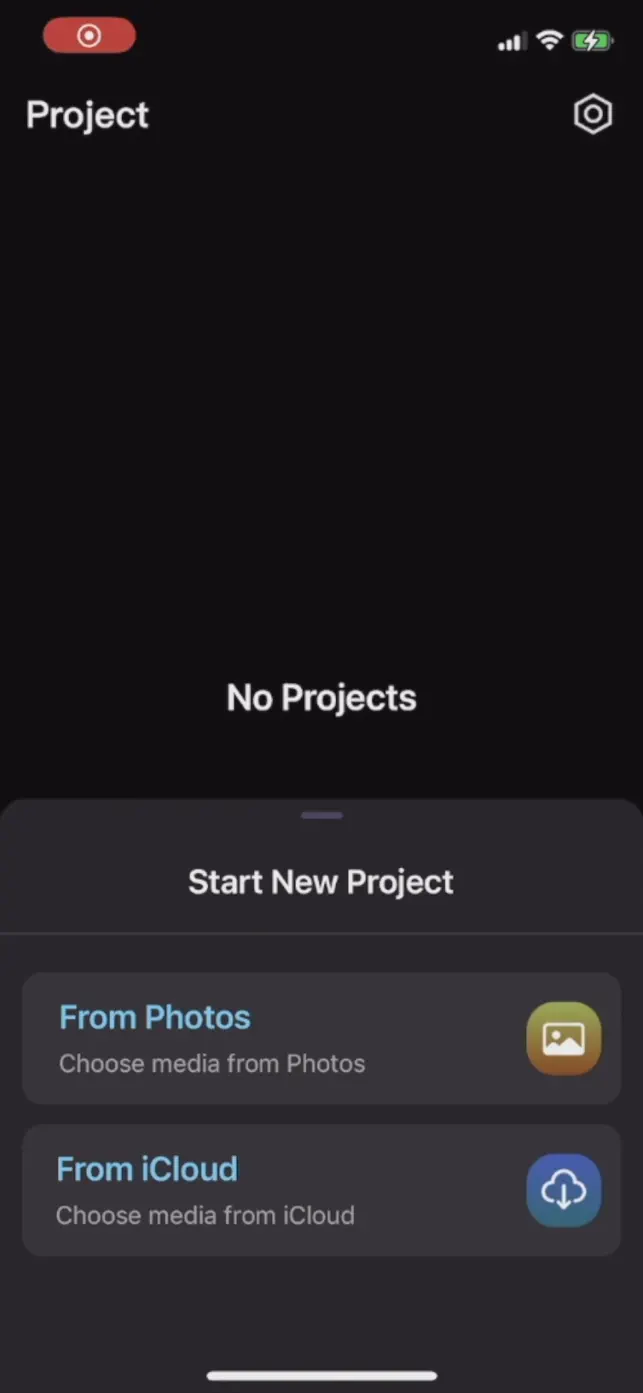
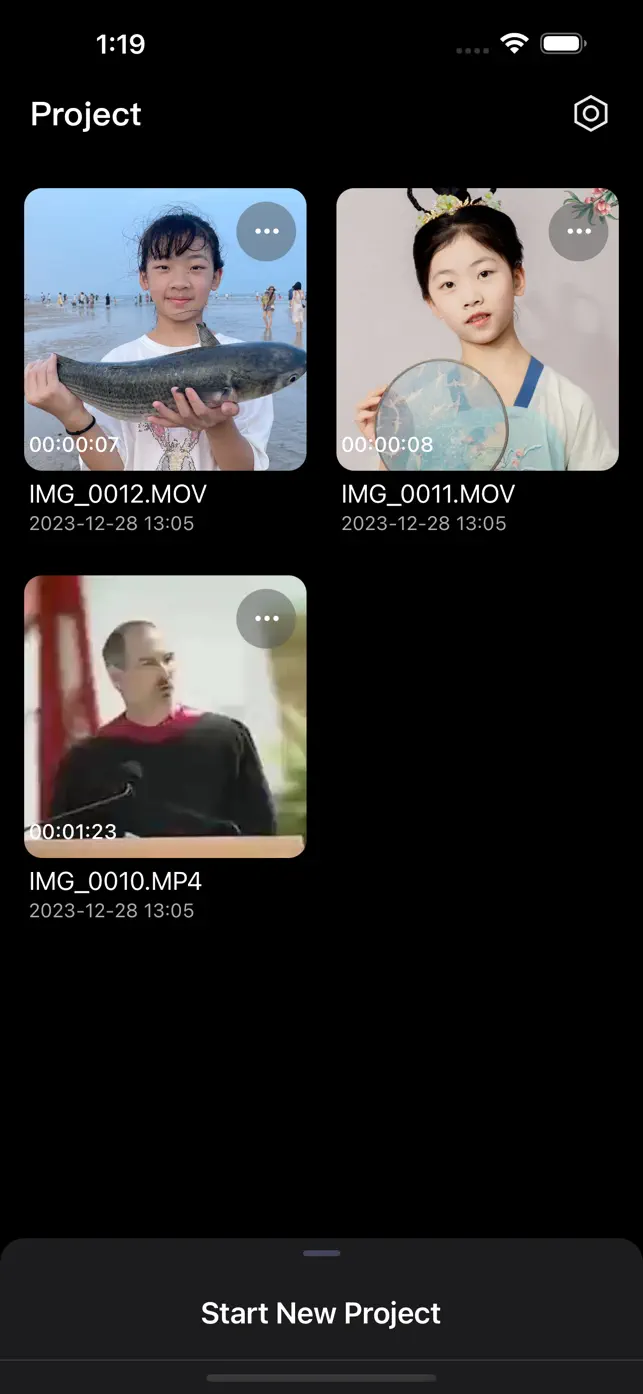
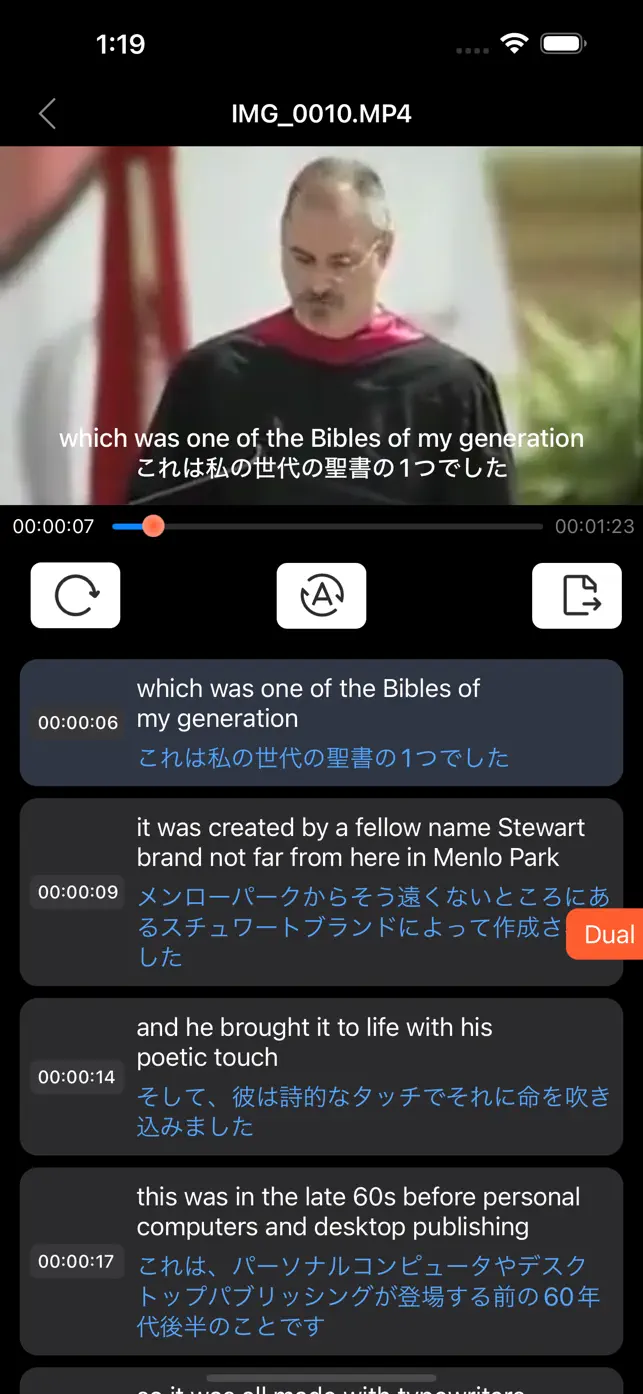
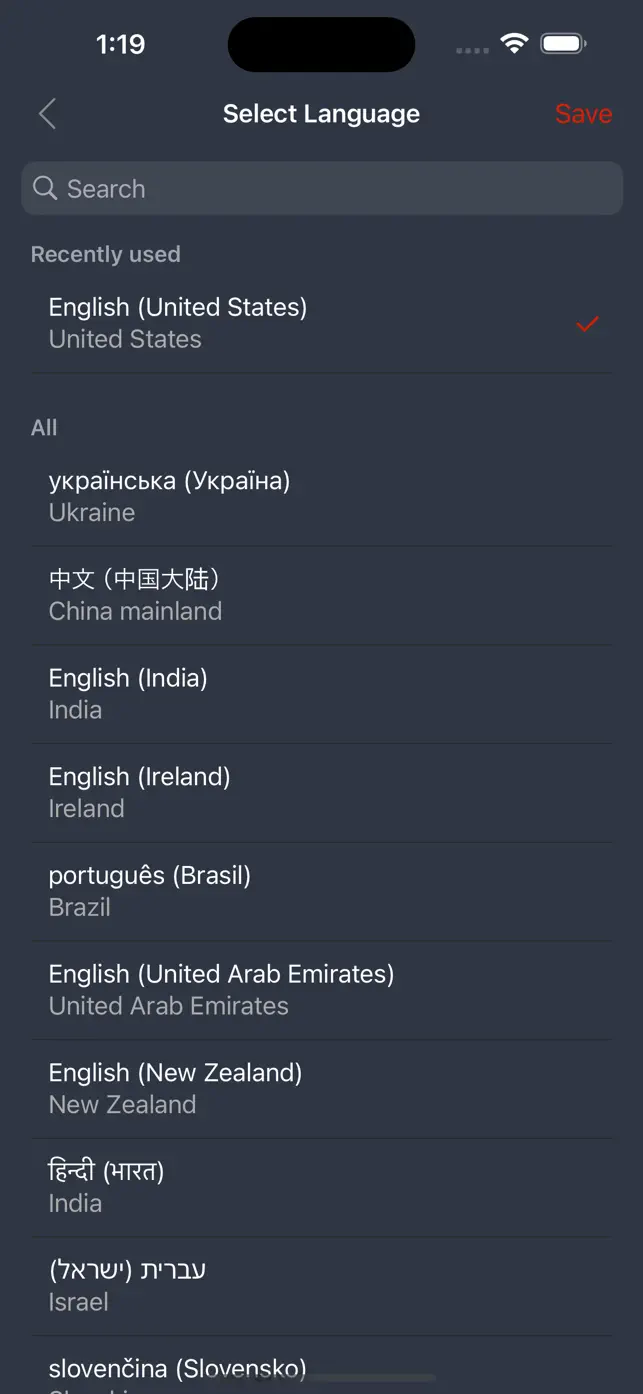
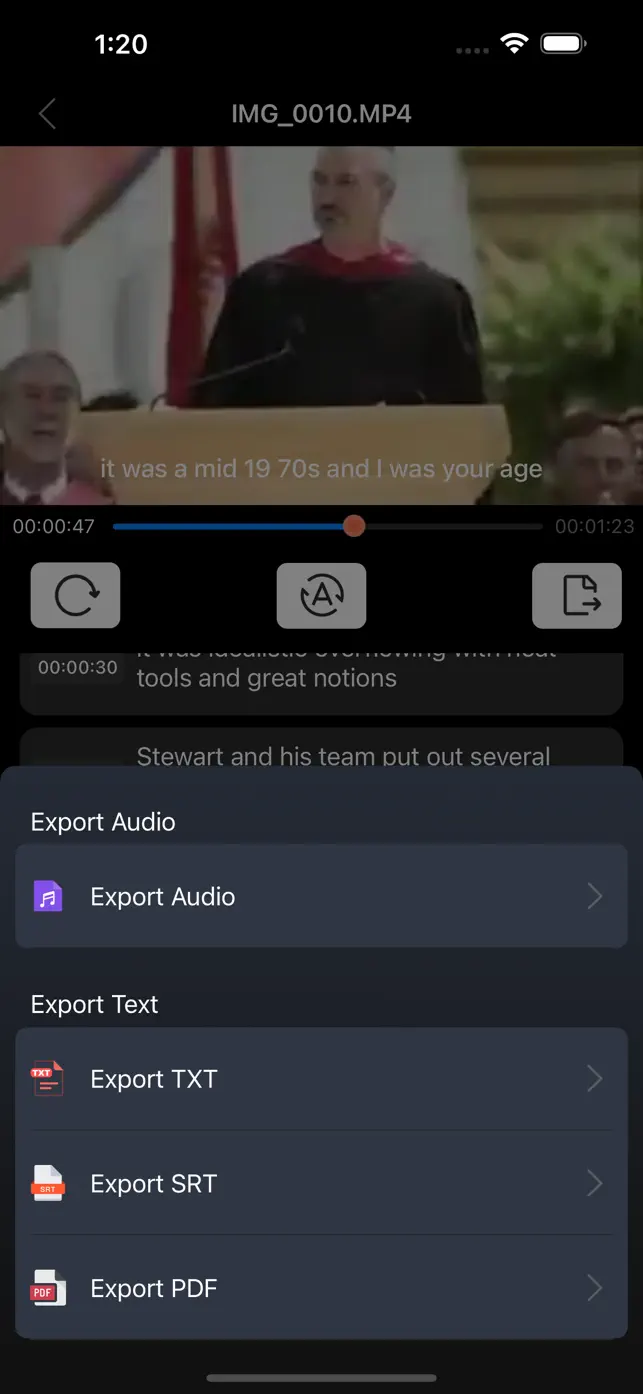


Effortlessly convert videos into text transcripts with AI-powered technology. Supports over 130 languages for transcription and translation, with options to export audio or text files in various formats.
2.0.7
November 2, 2025
- Other minor bug fixes and enhancements to improve user experience. If any questions,please contact via kakaservice@hotmail.com,thanks a lot!
It can unlimited export files
$14.99
Premium
It can unlimited export files
Video Subtitles&Captions Maker is an application that uses AI to transcribe videos into text quickly and easily. It also supports translation between over 130 languages.
No, Video Subtitles&Captions Maker does not contain advertisements. It operates on a subscription model for its premium features.
Video Subtitles&Captions Maker offers weekly, monthly, and yearly subscription plans. Prices range from $1.99/week to $9.99/year, with renewal costs depending on the chosen plan.
Subscriptions and auto-renewal can be managed by going to your Account Settings after purchase or by contacting Customer Support. You can cancel at least 24 hours before the end of the current period to avoid charges.
You can export your video content as audio files. Additionally, you can export the transcribed text in SRT, TXT, and PDF formats.
The application supports transcription and translation for English, Chinese, Japanese, and over 130 other languages, offering extensive multilingual capabilities.
Yes, Video Subtitles&Captions Maker is available for iPhone, iPad, and iPod devices, making it accessible across various Apple platforms.
The latest version, 2.0.7, was released on November 2, 2025, indicating active development and regular updates to improve functionality and add features.