Symbol Keyboard+

Symbol Keyboard+

Unicode text signs for all app

1.7K ratings
1034 reviews
Free
In-App Purchases

Details

  • Released
  • Updated
  • February 4, 2021
  • November 3, 2023
Symbol Keyboard+ video #1 for iPhone
Symbol Keyboard+ screenshot #2 for iPhone
Symbol Keyboard+ screenshot #3 for iPhone
Symbol Keyboard+ screenshot #4 for iPhone
Symbol Keyboard+ screenshot #5 for iPhone
Symbol Keyboard+ screenshot #6 for iPhone
Symbol Keyboard+ screenshot #7 for iPhone
iphone
ipad
🖼️Get Icon
Icons↘︎

About

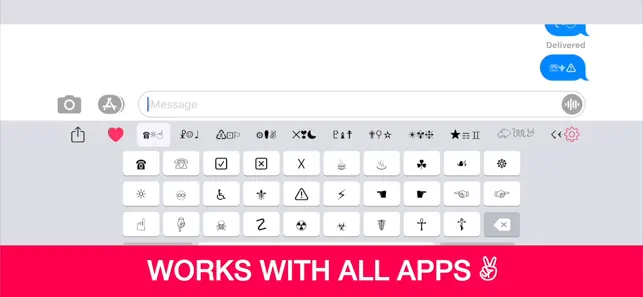
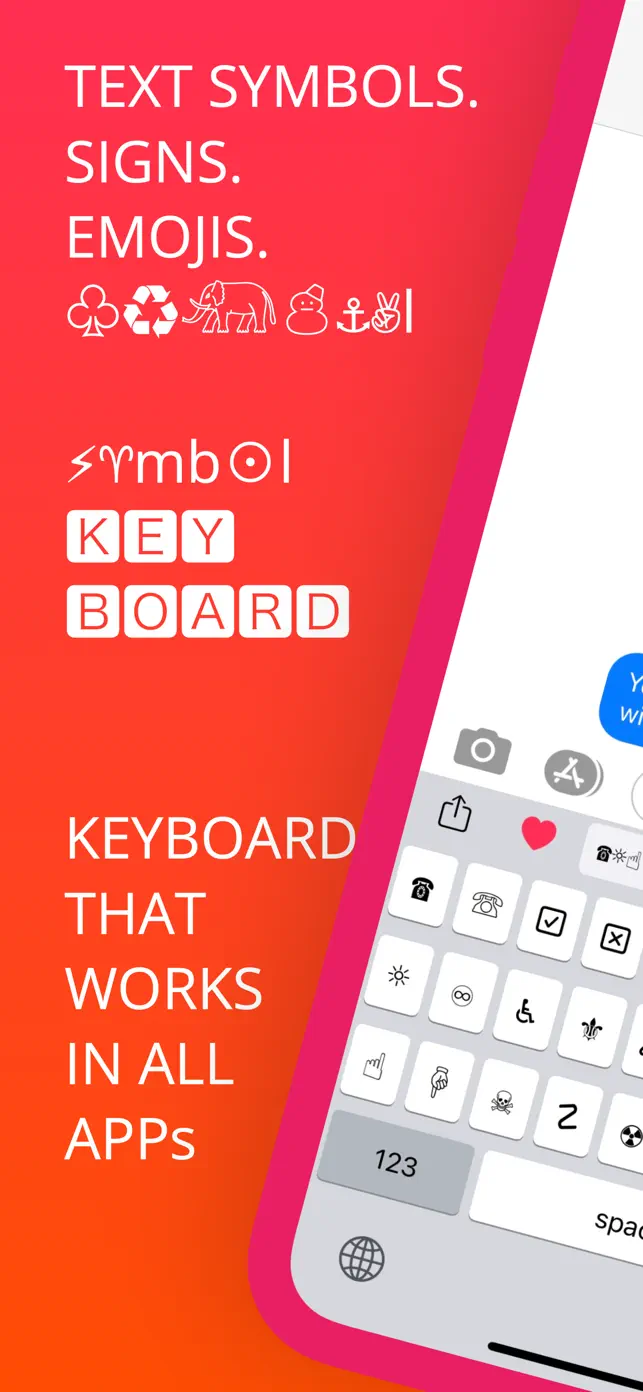
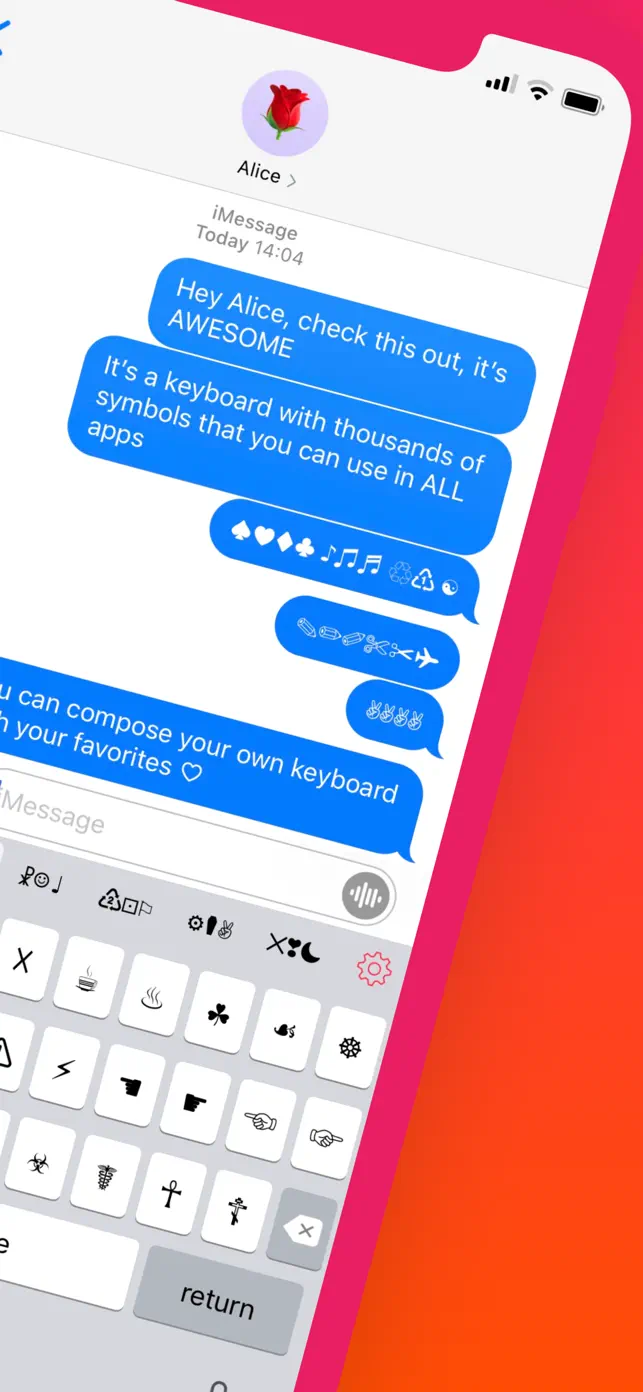
Add thousands of unique Unicode text symbols and signs to your messages, social media posts, and more. This keyboard works system-wide, allowing you to easily insert cool text art and emojis into any application. Boost your creativity and impress your friends with unique content.

✓Thousands of Unicode text symbols
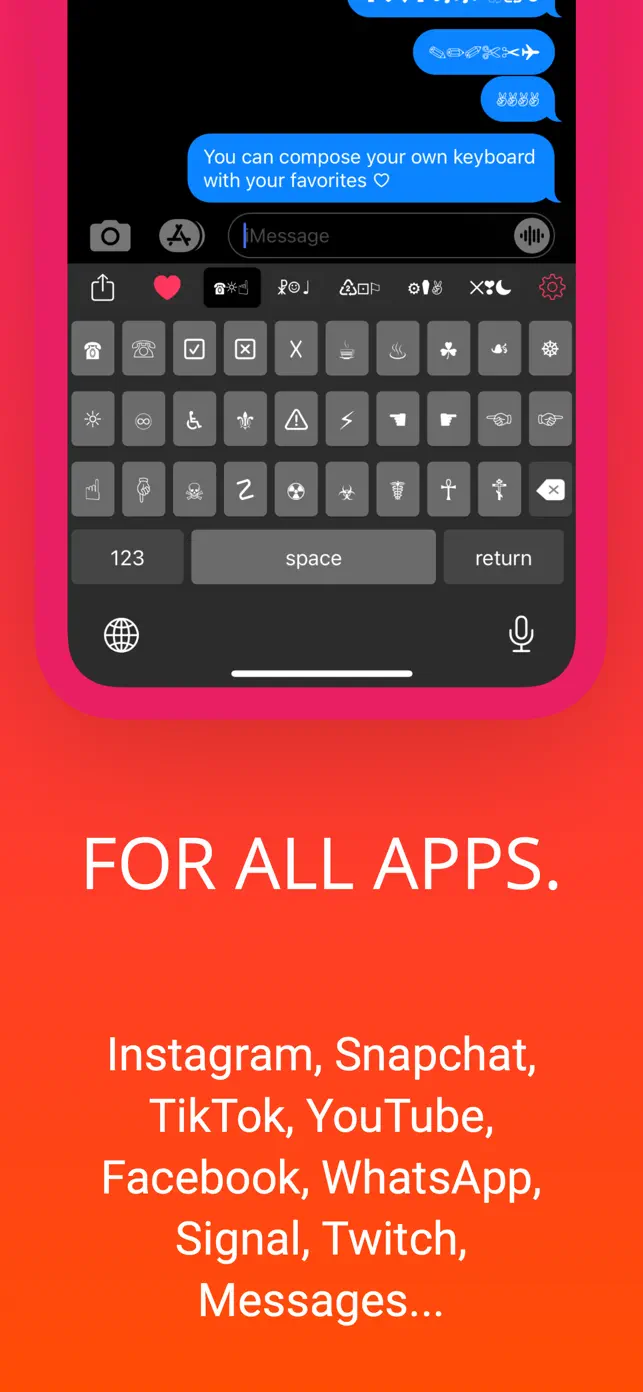
✓Works in all apps system-wide
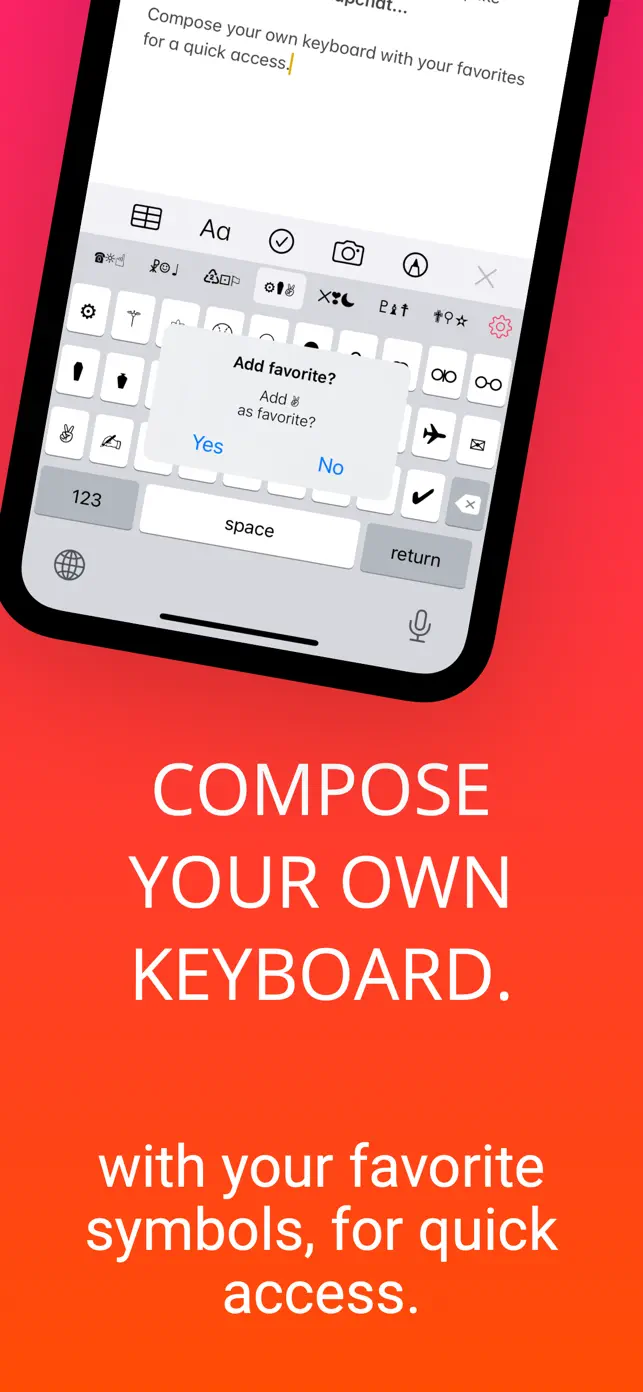
✓Create custom keyboards
✓Dark mode compatible
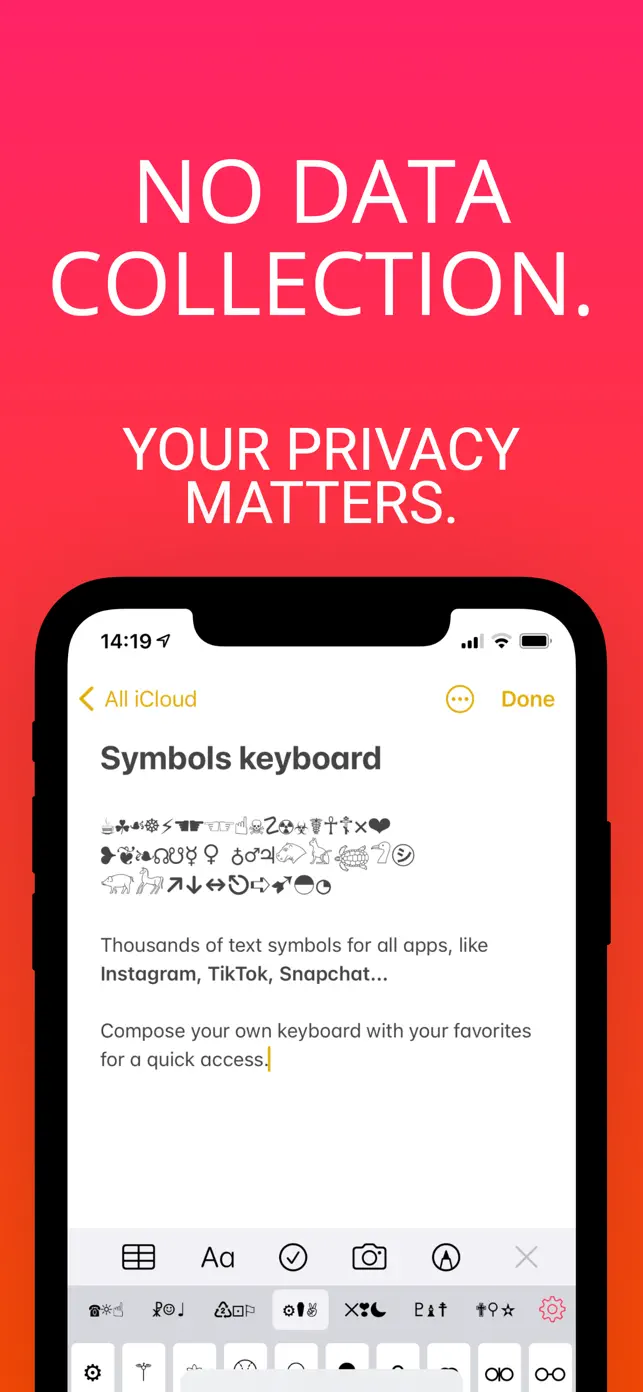
✓No ads or data collection
✓Regular updates with new symbols
Show original description

What users say

See all reviews

What's New in Symbol Keyboard+

2.3.1

November 3, 2023

• Keyboard at start: choose between the last one used or the favorites keyboard

3

Subscriptions & In-App Purchases

Symbols

VIP Symbols

$2.991 Month
How to cancel Symbol Keyboard+ subscription ⁉️

User reviews

☱

☱

Useful app👍

I love it

GET THIS APP NOWWW

This is so goodd I def recommend this ♥︎♥︎

Leaving a Review is a bait and switch. It doesn’t unlock more it just switches to asking for money.

I totally I downloaded this app to just use the arrow symbols →←↑↓, the claim is there’s 2500+ symbols in the keyboard. I’m going to take their word for it as there’s a lot of tabs to swipe between.

There are a handful that are locked behind writing a review, but the app gives you two chances to go write a review rather than finding it again the App Store.

As far as I can see there are generally no ads. For what it’s worth, it’s a pretty good keyboard for symbols.

However, the app hasn’t gotten an update in 2 years so functionality on newer iOS’s might have an issue. When I attempted to switch to the keyboard while writing a review it did crash the App Store.

Additionally there is now a subscription model. It prompts once with a free 3-day trial.

When I was trying to reorder the symbols it popped up again with:

A Monthly (2.99/1 month), Yearly (14.99/a year) and a lifetime (16.99)

3 day free trial for the yearly only.

The subscription says it offers
— Access to all symbols
— Increase your # of followers
— New symbols added regularly
— Unique Functions!

Now I probably wouldn’t tell anyone to get the subscription tier. Because leaving a review is supposed to unlock the keyboard more yet now a subscription tier exists and paywalls that? Then either reviews are limited time unlocks (then go back to locked)

Or this is only for future updates… which the app hasn’t had in 2 years.

The gear icon doesn’t work in the keyboard, you actually have to go to the app to use it.

I just realized:

Reordering the symbols is a paid feature.

I’m giving this review 4 stars because there are some issues, and besides attempting to reorder there no reliable way to actually subscribe if someone wanted to it’s hidden behind use instead of made available in the settings at any time.

Update:
Down to 2 stars now. I left a review and the keyboard didn’t unlock. Despite it says “LEAVE A REVIEW” which means the only way to unlock those symbols is now paying.

Leave a review to unlock more of the keyboard no longer works. But is still presented to the user when they first use the app…. Only after they leave a review does it change to “3 Days Free”

This is a bait and switch. It is MISLEADING. DECEPTIVE. And MANIPULATIVE.

You lead the user in with “Leave a review and you get more keyboard!” Only after the review does that not happen.
Show more

It’s awesome

It has tons of symbols, very recommended

Developer apps

User experience

🐞

Reported Bugs

2 issues

Keyboard not working consistently across apps

Bug

Finicky performance and navigation

Bug
✨

Requested Features

4 requests

Full subscript keyboard with all letters

Feature

Option to disable/reorder keyboards

Feature

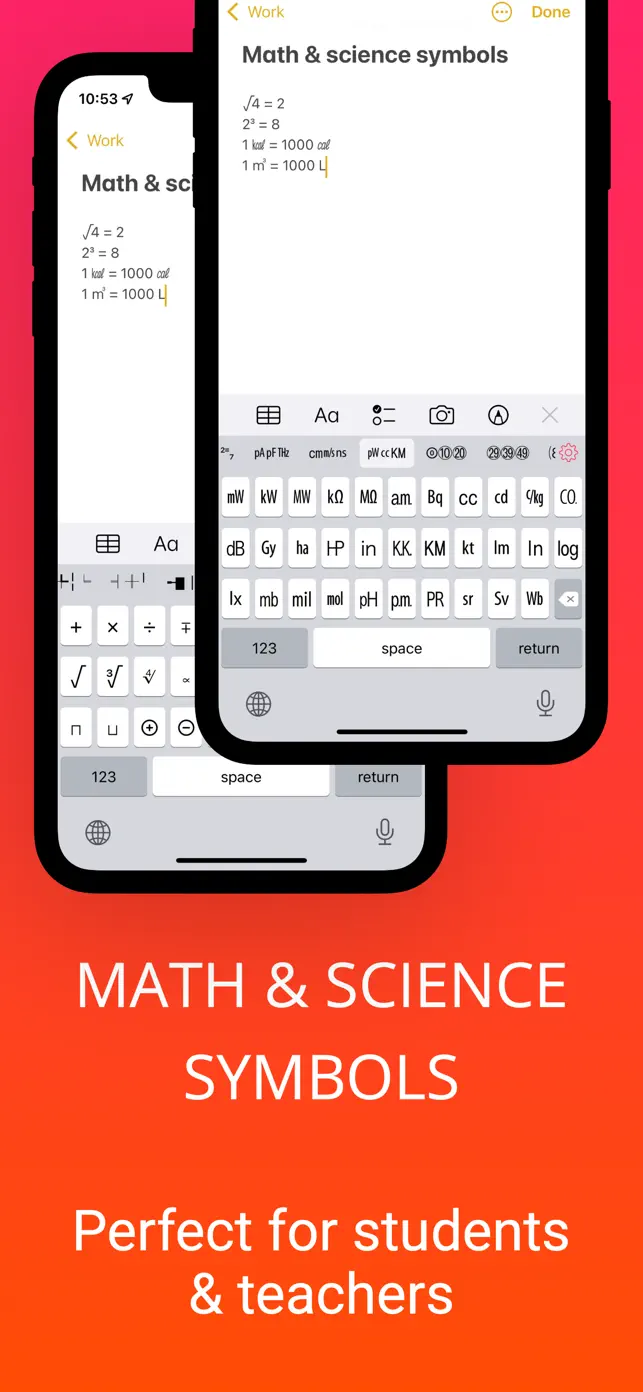
More math and science symbols

Feature

Astrology symbol keyboard

Feature

FAQ

What does Symbol Keyboard+ do?

Symbol Keyboard+ provides a system-wide keyboard that allows you to insert thousands of unique Unicode text symbols and signs into any application. You can use these symbols to enhance your messages, social media posts, and other text-based content, making your communication more creative and visually appealing.

How do I use the symbols from the keyboard?

Once installed, you can switch to the Symbol Keyboard+ like any other keyboard on your device. Simply tap the keyboard icon to select it. You can then browse through the available categories of symbols and tap on the one you wish to insert into your current text field. The keyboard works system-wide, meaning it's compatible with all apps.

Is Symbol Keyboard+ free to use?

The app is free to download and use, offering a wide range of symbols. There are no ads within the application, and it does not collect any user data or ask for full access, prioritizing your privacy. Additional features or symbol packs may be available through in-app purchases.

Can I create my own keyboard layouts?

Yes, the app allows you to create your own custom keyboards. This feature lets you organize your favorite symbols for quick and easy access, streamlining your workflow when you frequently use specific text art or signs. This personalization enhances the user experience and boosts your creative output.

What kind of symbols are available?

The keyboard offers a great variety of text symbols, including mathematical symbols, general signs, emoticons, emojis, and even hieroglyphs. The app is regularly updated with new symbols, signs, and functionalities to keep the content fresh and expand your creative options.