

Ok
Ok

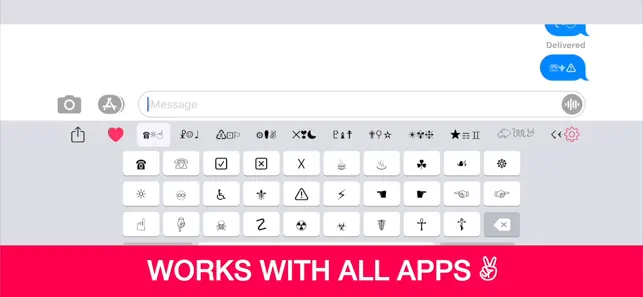
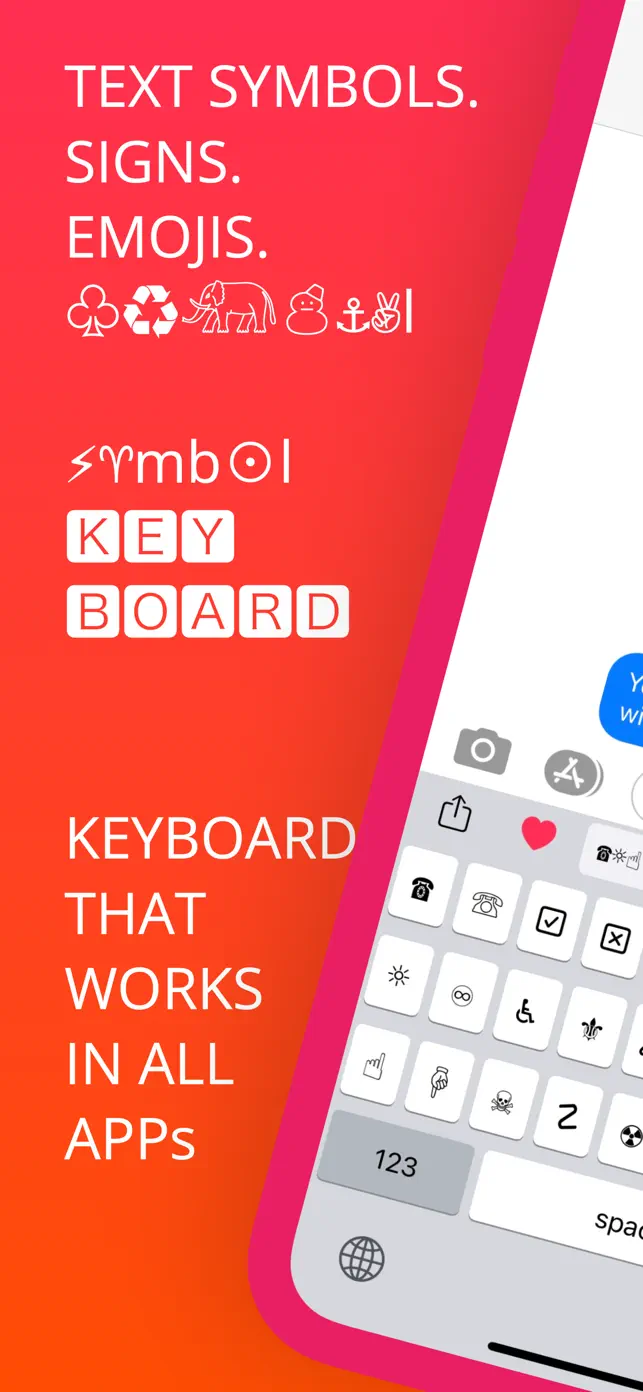
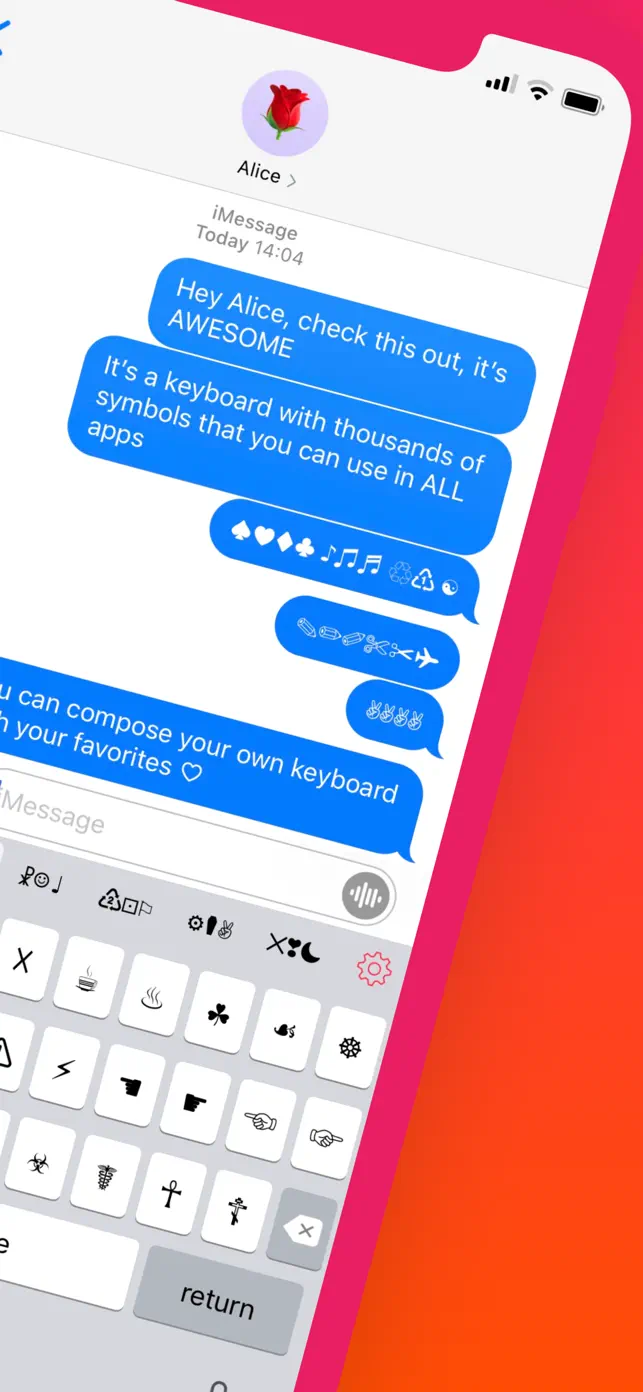
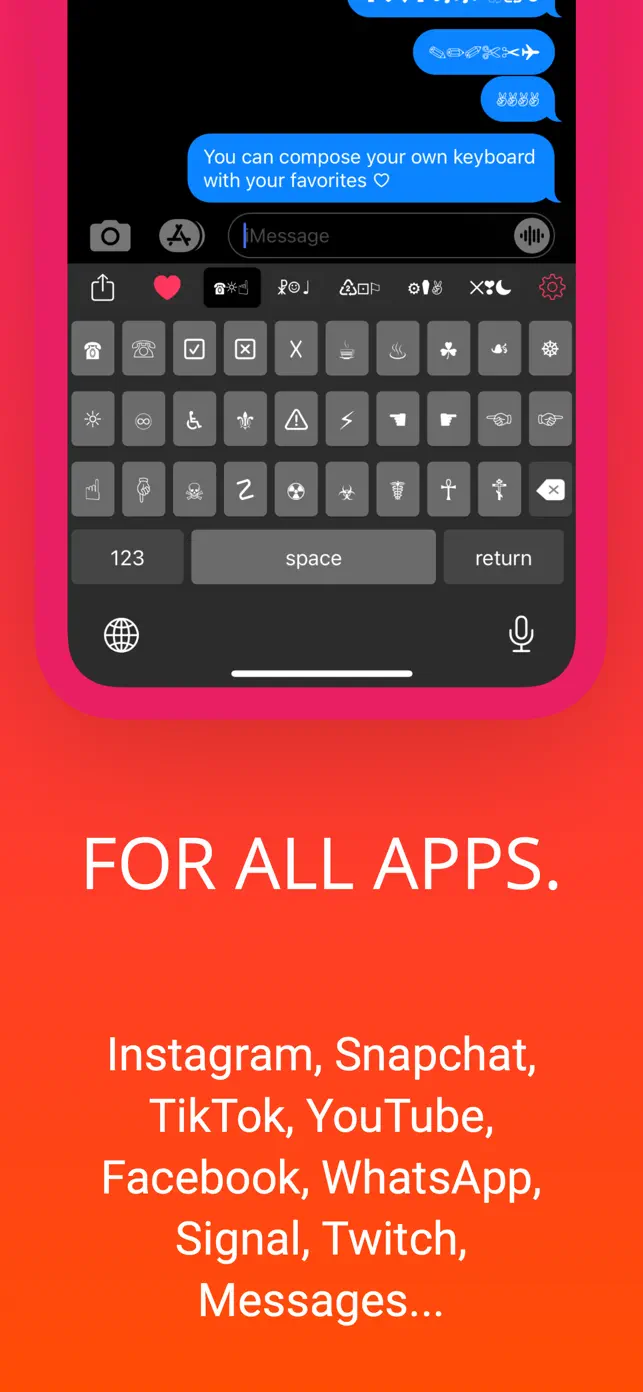
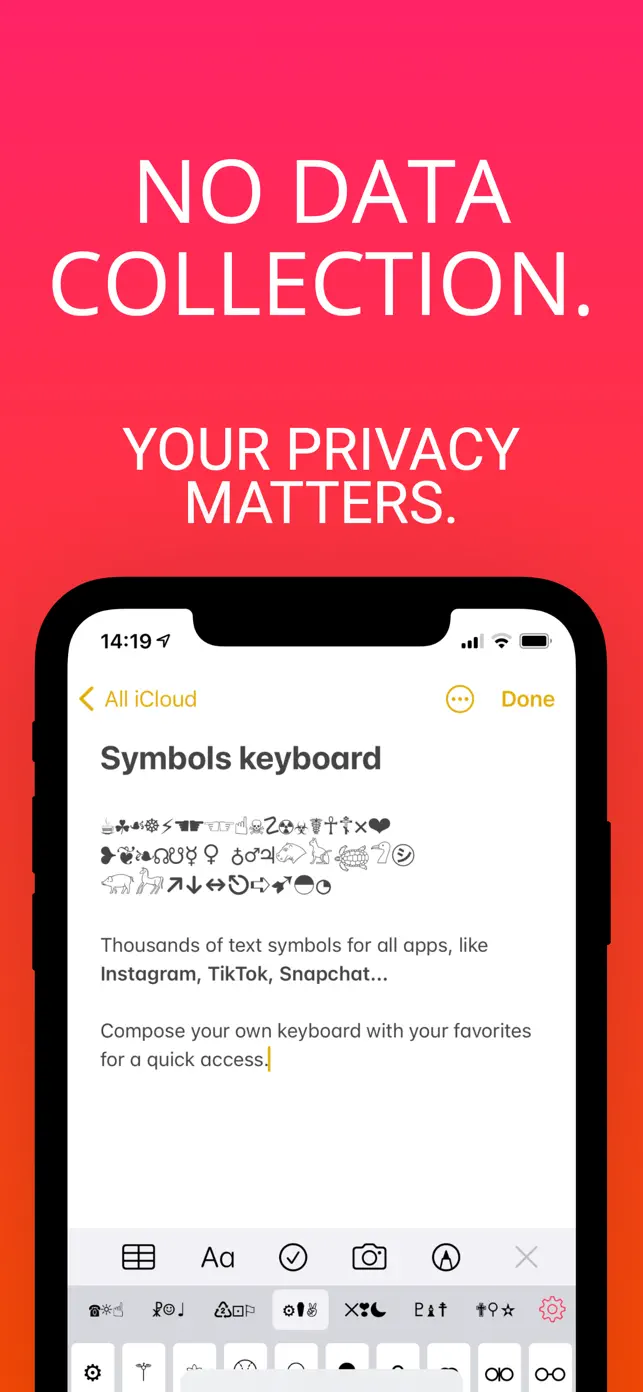
Add thousands of unique Unicode text symbols and signs to your messages, social media posts, and more. This keyboard works system-wide, allowing you to easily insert cool text art and emojis into any application. Boost your creativity and impress your friends with unique content.
2.3.1
November 3, 2023
• Keyboard at start: choose between the last one used or the favorites keyboard
VIP Symbols
$16.99
Symbols
VIP Symbols
2 issues
Keyboard not working consistently across apps
Finicky performance and navigation
4 requests
Full subscript keyboard with all letters
Option to disable/reorder keyboards
Symbol Keyboard+ provides a system-wide keyboard that allows you to insert thousands of unique Unicode text symbols and signs into any application. You can use these symbols to enhance your messages, social media posts, and other text-based content, making your communication more creative and visually appealing.
Once installed, you can switch to the Symbol Keyboard+ like any other keyboard on your device. Simply tap the keyboard icon to select it. You can then browse through the available categories of symbols and tap on the one you wish to insert into your current text field. The keyboard works system-wide, meaning it's compatible with all apps.
The app is free to download and use, offering a wide range of symbols. There are no ads within the application, and it does not collect any user data or ask for full access, prioritizing your privacy. Additional features or symbol packs may be available through in-app purchases.
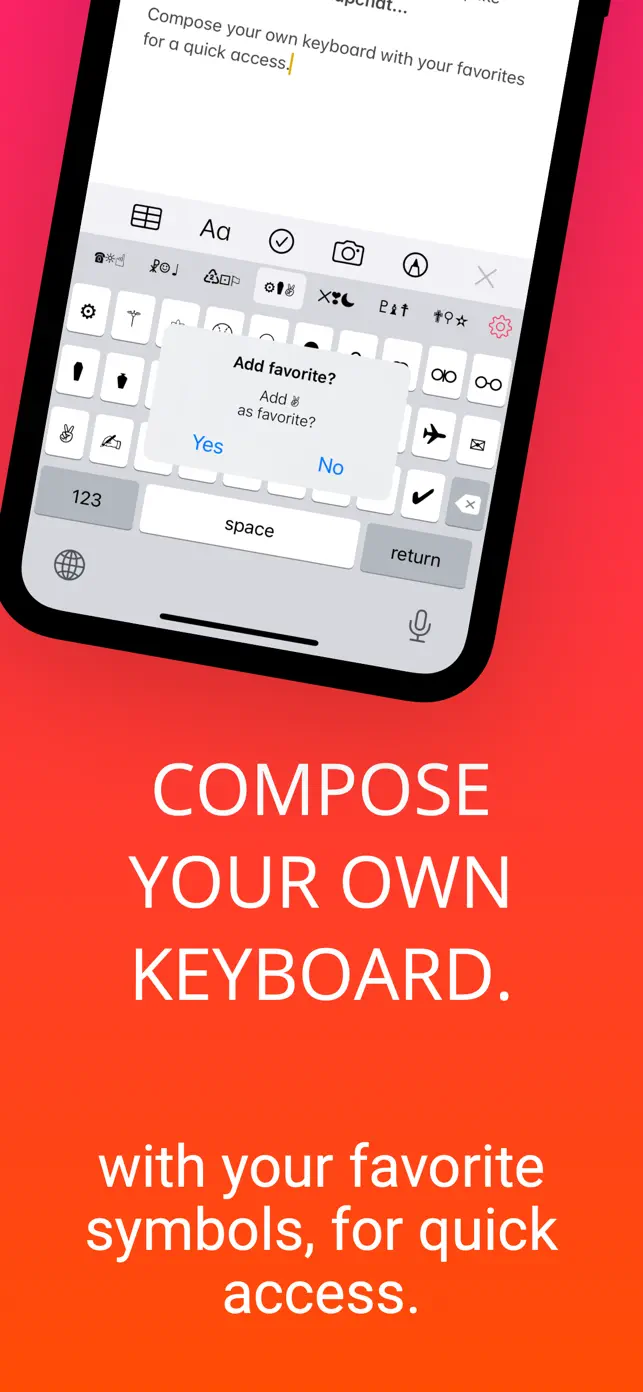
Yes, the app allows you to create your own custom keyboards. This feature lets you organize your favorite symbols for quick and easy access, streamlining your workflow when you frequently use specific text art or signs. This personalization enhances the user experience and boosts your creative output.
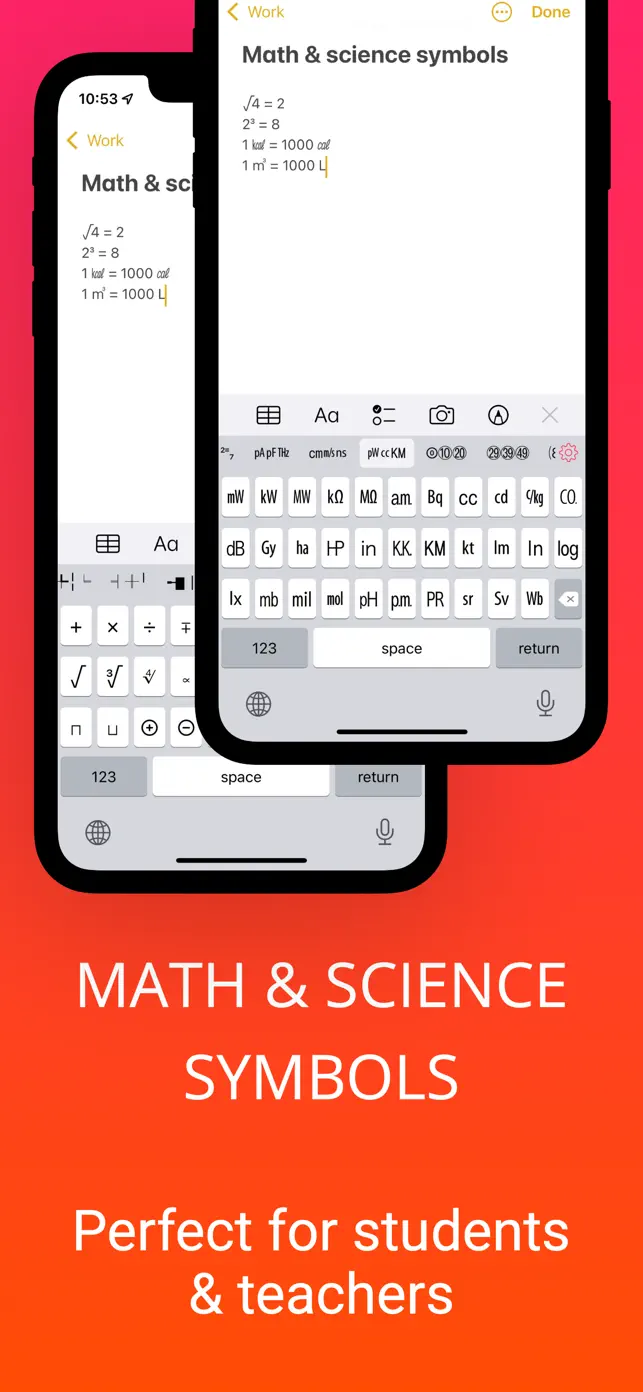
The keyboard offers a great variety of text symbols, including mathematical symbols, general signs, emoticons, emojis, and even hieroglyphs. The app is regularly updated with new symbols, signs, and functionalities to keep the content fresh and expand your creative options.