

Captionista: Video Subtitles

Captionista: Video Subtitles

Captions & Text Editor

12 ratings
7 reviews
Free
In-App Purchases

Details

  • Released
  • Updated
  • August 27, 2022
  • October 13, 2024

Features

Captionista: Video Subtitles video #1 for iPhone
Captionista: Video Subtitles screenshot #2 for iPhone
Captionista: Video Subtitles screenshot #3 for iPhone
Captionista: Video Subtitles screenshot #4 for iPhone
Captionista: Video Subtitles screenshot #5 for iPhone
Captionista: Video Subtitles screenshot #6 for iPhone
Captionista: Video Subtitles screenshot #7 for iPhone
Captionista: Video Subtitles screenshot #8 for iPhone
Captionista: Video Subtitles screenshot #9 for iPhone
Captionista: Video Subtitles screenshot #10 for iPhone
iphone
ipad
🖼️Get Icon
Icons↘︎

About

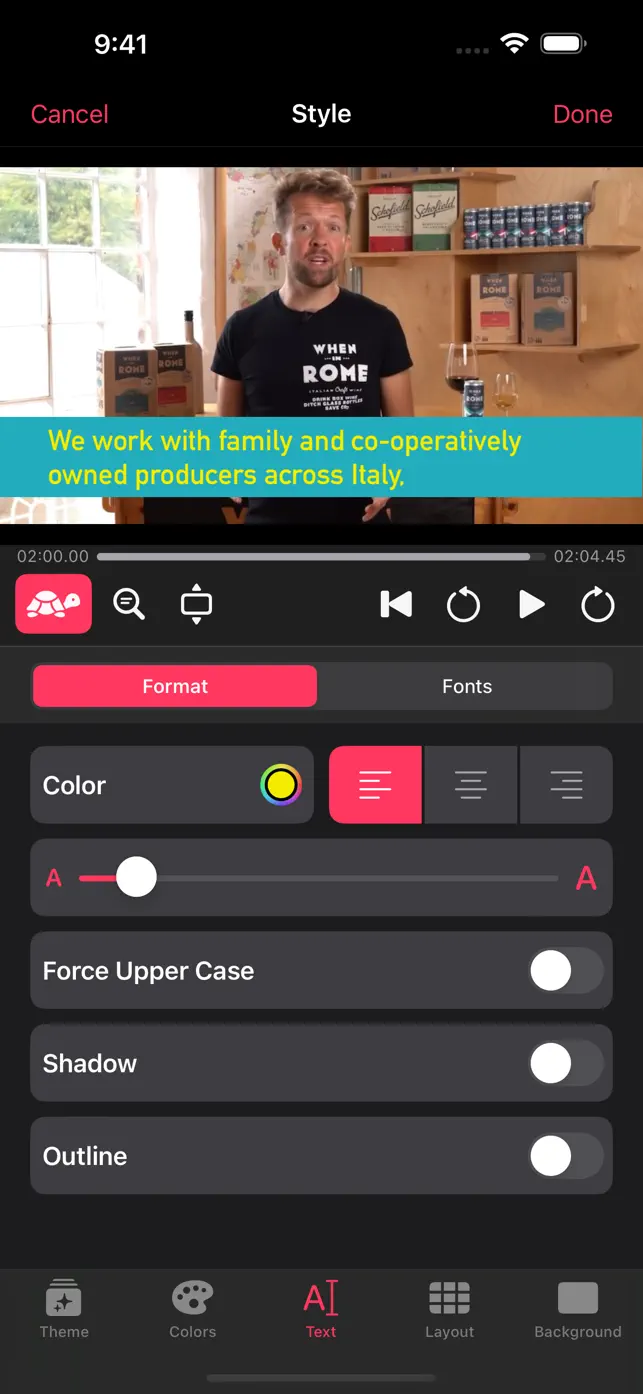
Easily add accurate subtitles and captions to your videos. Customize text styles, timing, and placement for improved readability and impact. Export your videos with professional-looking captions for social media.

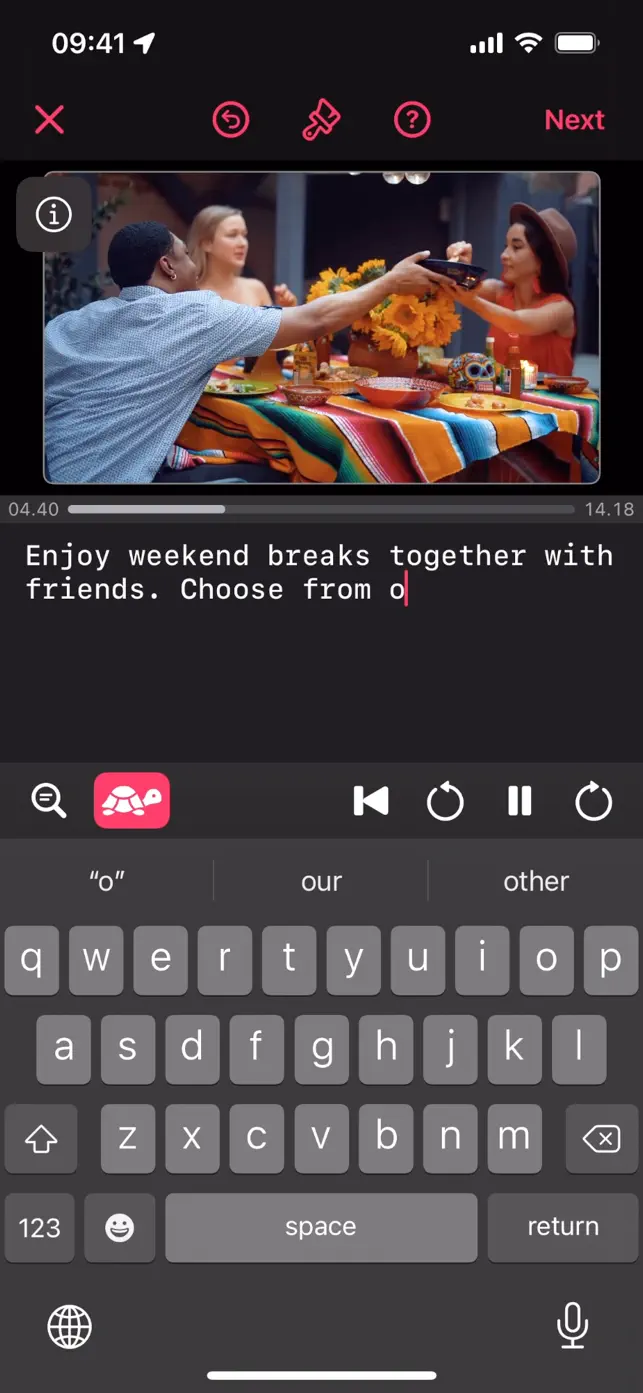
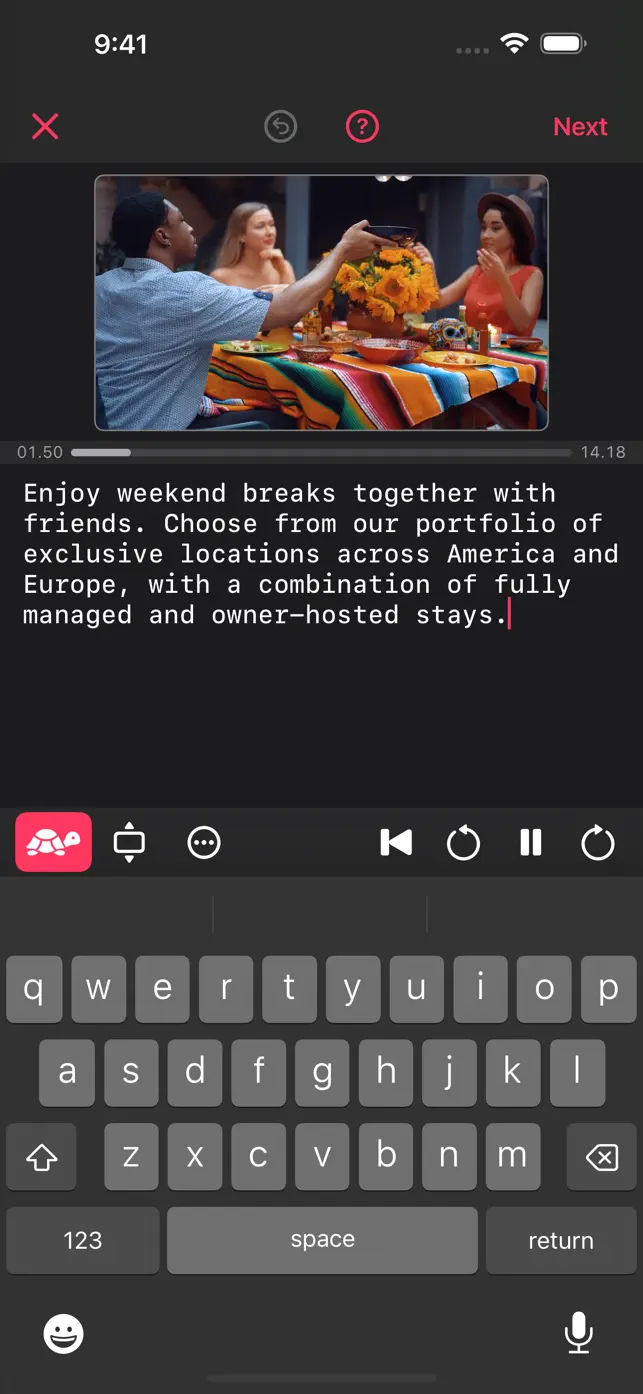
Script editor with video player
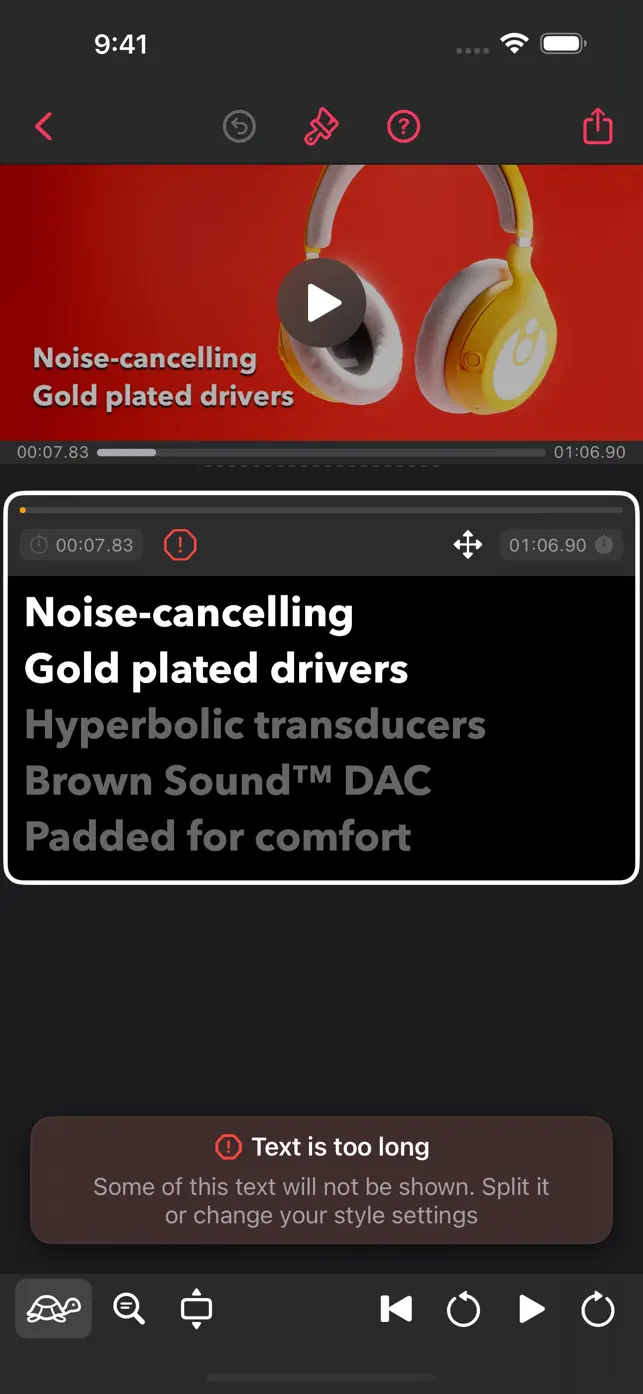
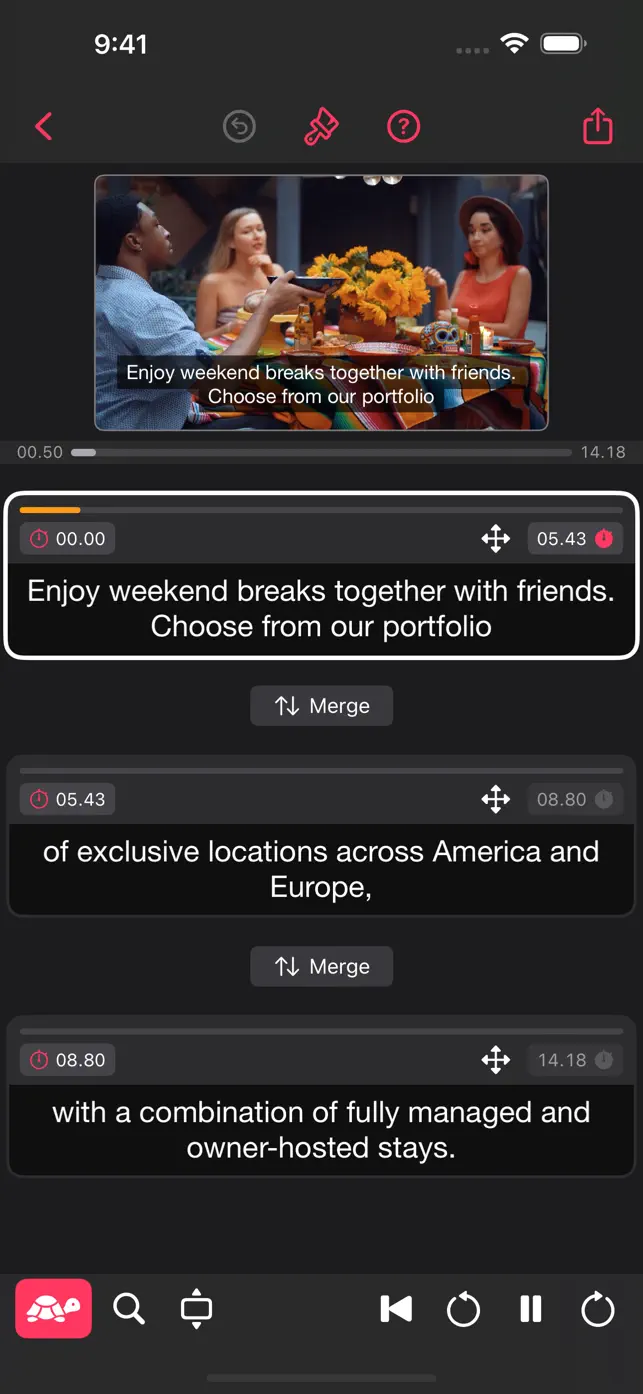
Unique timing editor
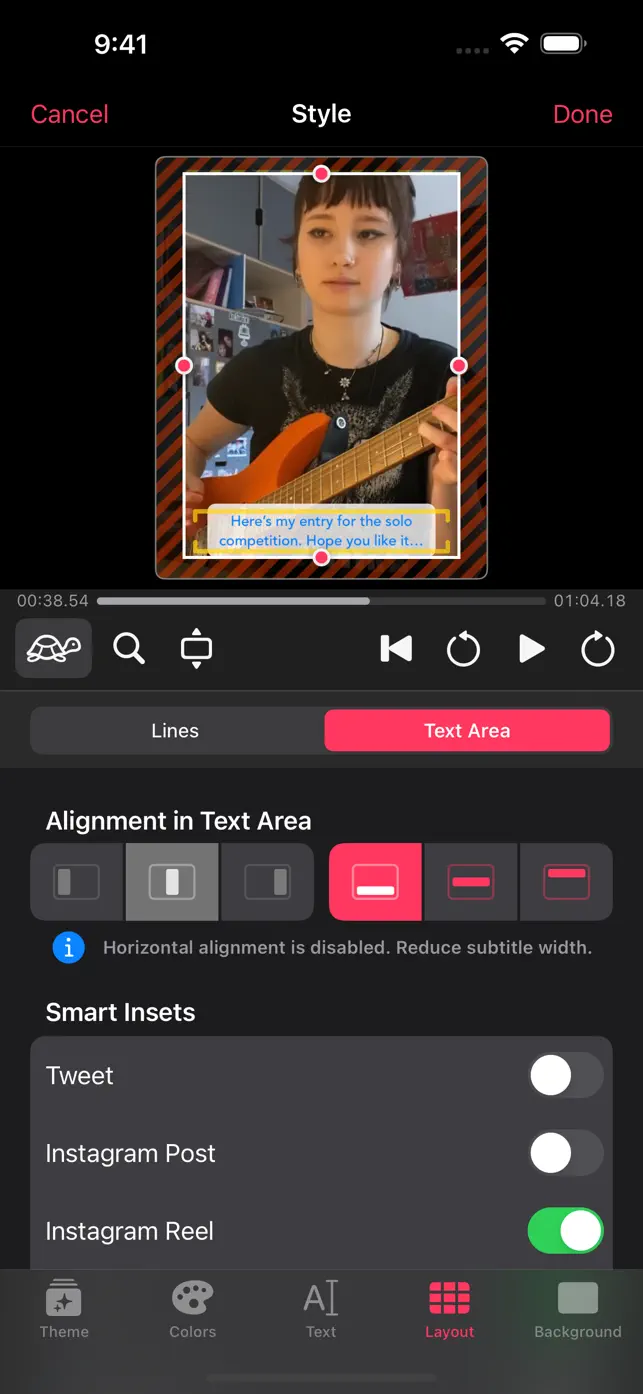
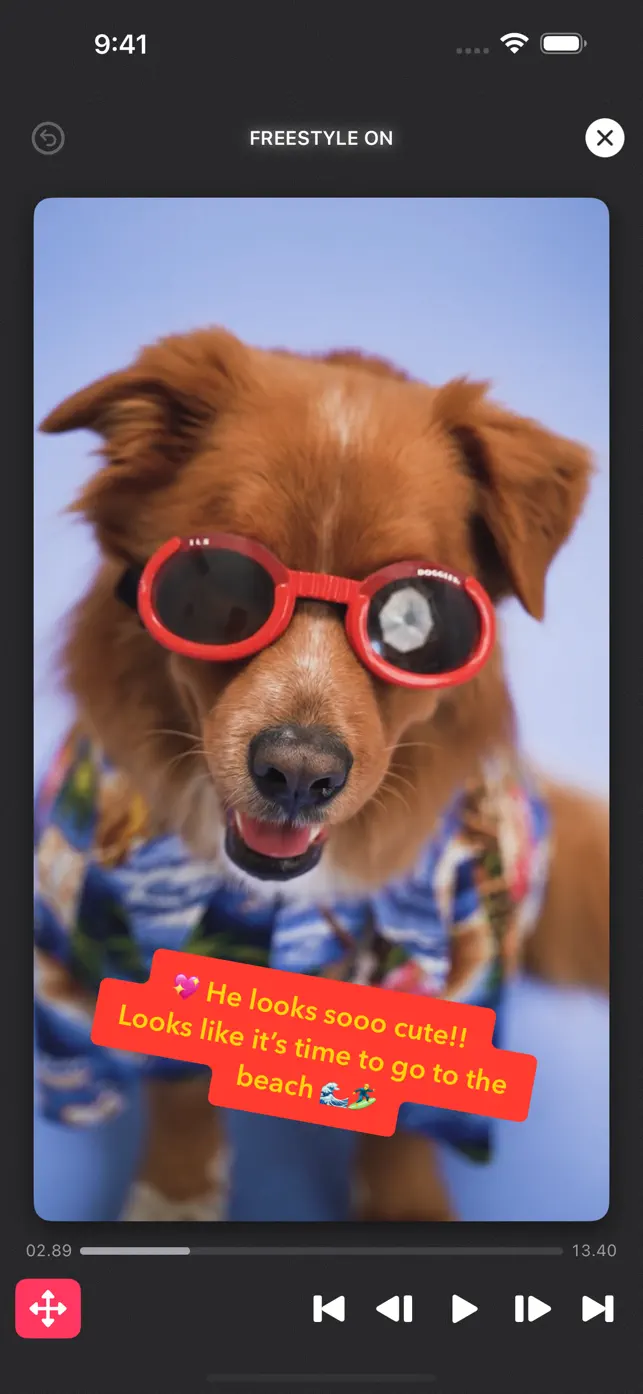
Freestyle mode for subtitle placement
Free-form text editing
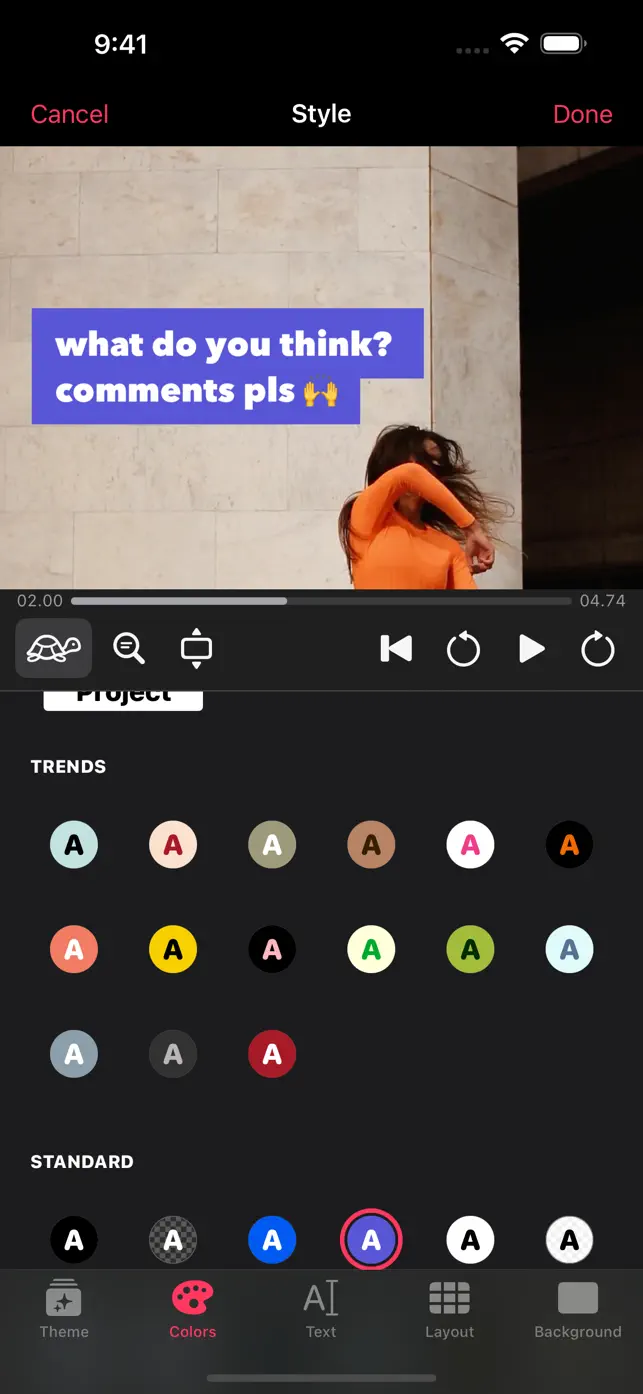
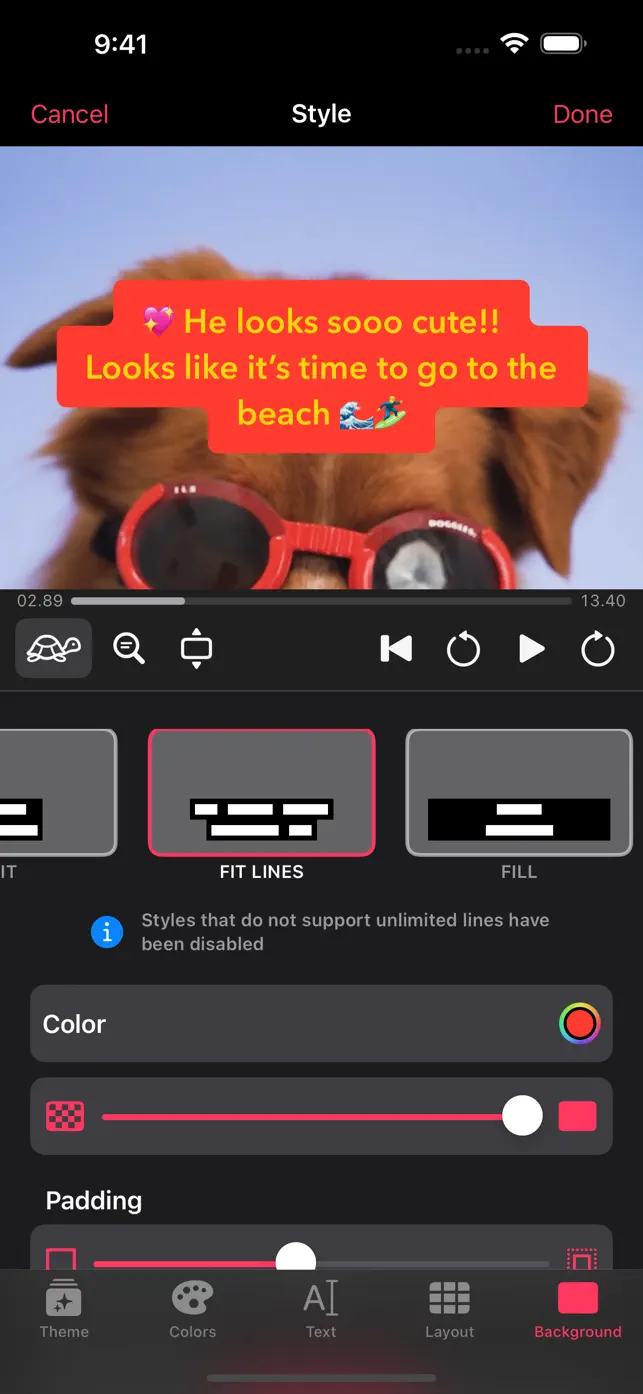
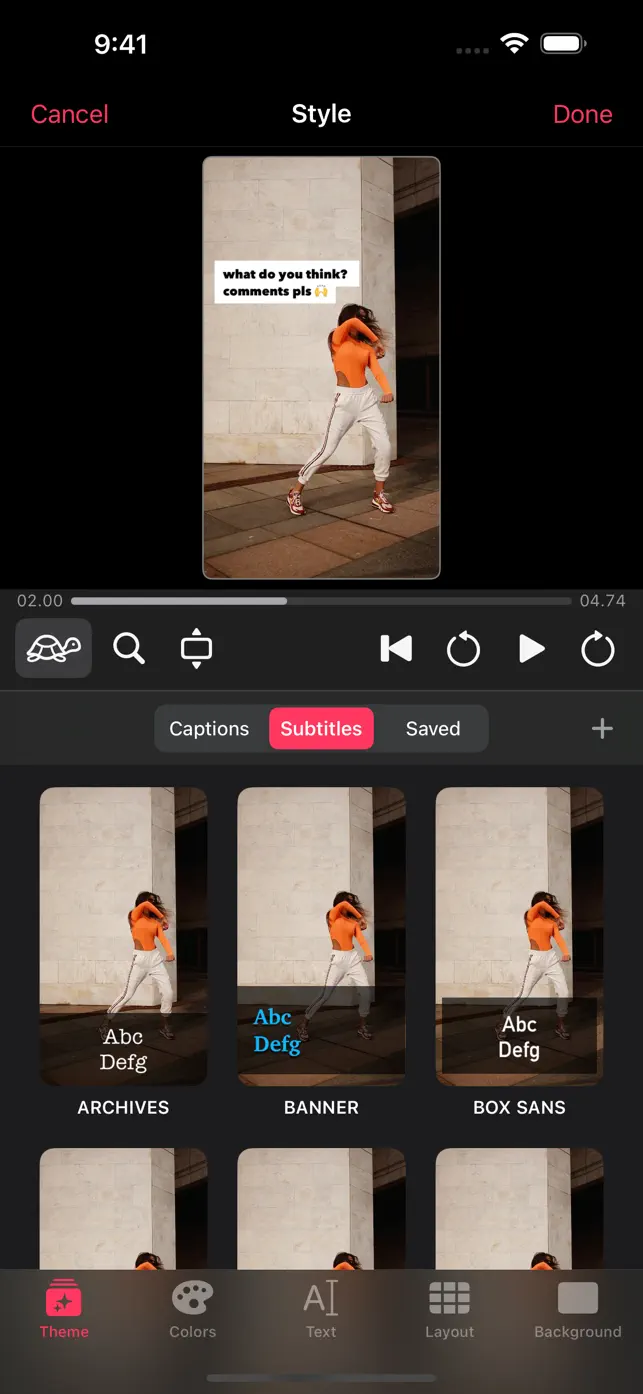
Multiple themes and color schemes
Pre-flight Check for social networks
SRT import and export
Show original description

What's New in Captionista

1.5.3

October 13, 2024

Fixed a bug where subtitles might not be included in exported videos if there is no subtitle at the end time of the video.

Subscription plans

Pro Monthly

Unlock everything

$4.491 Month
How to cancel Captionista subscription ⁉️

User reviews

Great new features

Really like the flexibility and new features the App offers.

Needs work

Just subscribed only to find out that it’s a daunting task to add subtitles. It has a great simple format that should work. But it doesn’t allow quick video creation. Unfortunately there is no auto correction for time limits which delay the creative process tremendously. Till the point where you’d probably just set it to the side and forget this app even exists on your device. I’d add an update to correct this defeating problem. One that auto corrects the time reading length of the text for the videos and allows for a more instant experience.

Only right to pay for something that works for you and not the other way around. I’ll change my rating when ever this is addressed and consider cancelling my subscription if not.
Show more

Response from developer

Hi, I’m the developer of the app. Thank you for subscribing and taking the time to leave a rating and review! I’m not 100% clear what your issues are here. Can you please use the (?) button in the app and tap “Get Help” — where you will find instructions and a link to contact me directly so I can help you? I’ll try to help here however. I’m not sure what you mean by video creation — if you want to edit the video itself, no we don’t support that currently but we may in future. We’d love to hear more about what you need! The reading time warnings are just warnings. If you are matching subtitles to speech in the video, you don’t need to worry if the person was just talking fast. You can adjust the start and end times of subtitles by tapping the start and end time buttons of each subtitle at the time you want. If you’re not matching speech in a video and just want all the text to be readable in the time you have in the video, that’s an interesting feature we could add! Again, thanks so much for leaving a review and please do contact us directly using the app's "Get Help" or "Send us e-mail" options. We love to help people!

Perfect for adding captions

This has been a handy tool that saves me a bunch of time. Free version is everything I need and is simple enough.
The hardest thing other tools don’t do well (particularly the AI ones) is cadence. The first two attempts, I had some growing pains, but then I checked out the help section which cleared up my issues. It was easier than I had presumed and now can get the timing perfect. Would have loved to see a sample on first open to show core workflow.
Show more

Response from developer

Thanks for persevering and we’re glad you like it! You’re 100% correct that cadence is usually hard to do and we designed the UI for this to make it as easy as possible to try different cadences by re-timing the start and end or merging and re-splitting at a different point. We’ll definitely try to improve the onboarding some more.

The best app for TikTok captions!

This is the only app I’ll trust for my reels and TikTok content. I prefer manual captions since AI tends to cause more work than it’s worth. Assembling captions is easy and there’s a TON of customization options. Plus, this app is Apple-centric and supports all the features you’d expect like iCloud and HDR.
Show more

Response from developer

Great to hear you love the app Marius. We’ll keep working hard to bring you new features for making your TikToks and Reels even better.

Super useful

I had only ever captioned videos through Instagram before, but if I’m not sharing a video there, this fits the job nicely. Well done.

Response from developer

Cheers Tim!

Developer apps

FAQ

How do I add subtitles with Captionista?

Captionista allows you to type text while watching your video. You can adjust the playback speed and tap to split text at the precise moment it should appear. The app also supports SRT import for pre-transcribed subtitles.

Can I customize the look of my subtitles in Captionista?

Yes, Captionista offers many free themes and color schemes for high contrast and readability. The Pro subscription unlocks advanced style controls, including custom fonts, colors, shadows, and subtitle backgrounds.

What are the export options for videos created with Captionista?

You can export your video directly to your Photos app or other applications. Options include excluding audio, scaling videos to 1080p for quality or faster uploads, and SRT export for closed caption support with a Pro subscription.

Does Captionista have ads?

No, Captionista does not contain advertisements. The app is free to use with an optional Pro subscription for advanced features.

What devices does Captionista support?

Captionista is available on iPhone, iPad, and iPod. It is designed to work seamlessly across these Apple devices.

How often is Captionista updated?

The app was last updated on October 13, 2024, indicating regular maintenance and potential feature additions. The latest version is 1.5.3.

What is the Pro subscription for Captionista?

The Pro subscription unlocks advanced features like custom text styles, custom subtitle backgrounds, iCloud theme syncing, and SRT export. It is available as a monthly plan for $4.49 or a yearly plan for $21.99.

What is the age rating for Captionista?

Captionista has an age rating of 4+, making it suitable for a wide range of users, including younger audiences interested in video creation.