VidSub: Video Subtitle Creator

VidSub: Video Subtitle Creator

Create, burn subtitle to video

10 ratings
3 reviews
Free
In-App PurchasesWith Ads

Details

  • Released
  • Updated
  • September 10, 2022
  • June 12, 2025

Features

VidSub: Video Subtitle Creator screenshot #1 for iPhone
VidSub: Video Subtitle Creator screenshot #2 for iPhone
VidSub: Video Subtitle Creator screenshot #3 for iPhone
VidSub: Video Subtitle Creator screenshot #4 for iPhone
VidSub: Video Subtitle Creator screenshot #5 for iPhone
VidSub: Video Subtitle Creator screenshot #6 for iPhone
VidSub: Video Subtitle Creator screenshot #7 for iPhone
VidSub: Video Subtitle Creator screenshot #8 for iPhone
iphone
ipad
๐Ÿ–ผ๏ธGet Icon
Iconsโ†˜๏ธŽ

About

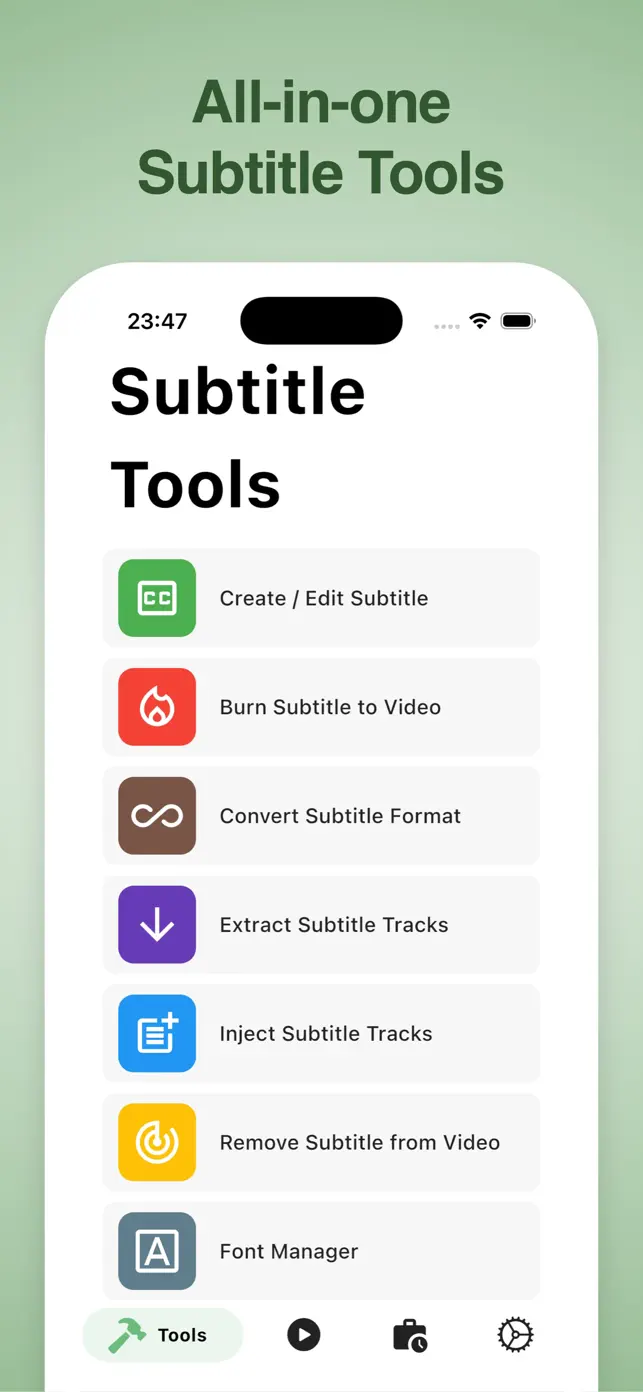
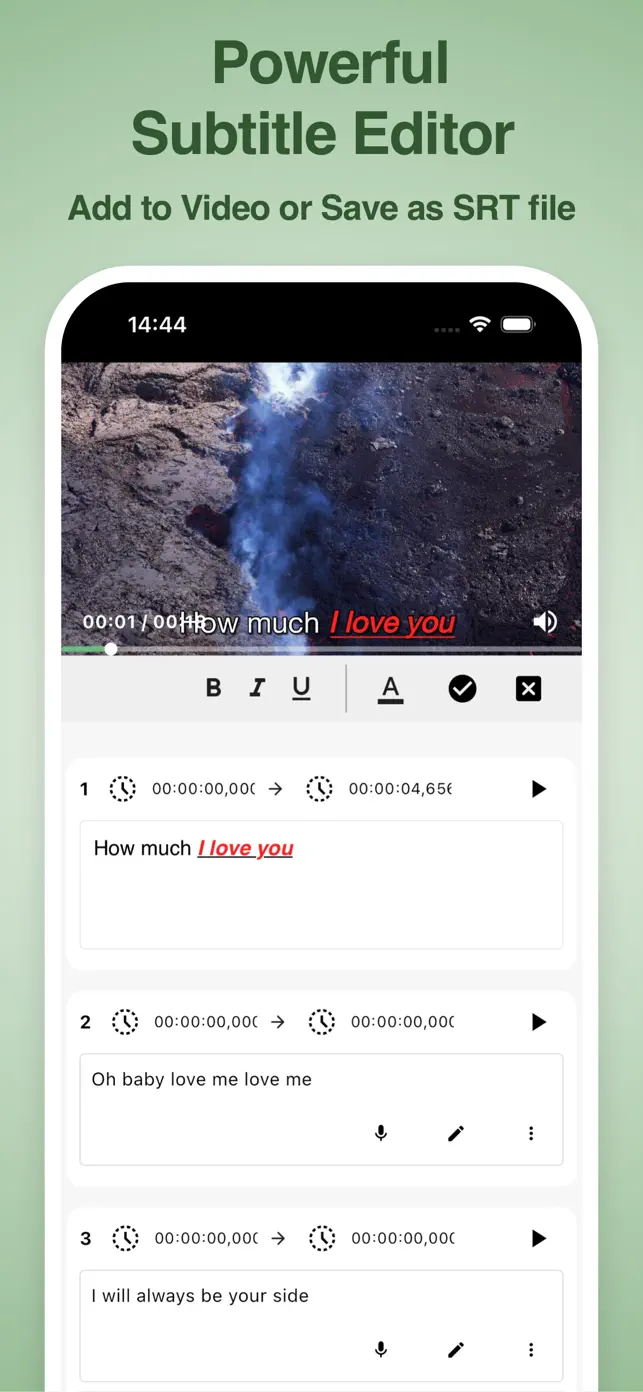
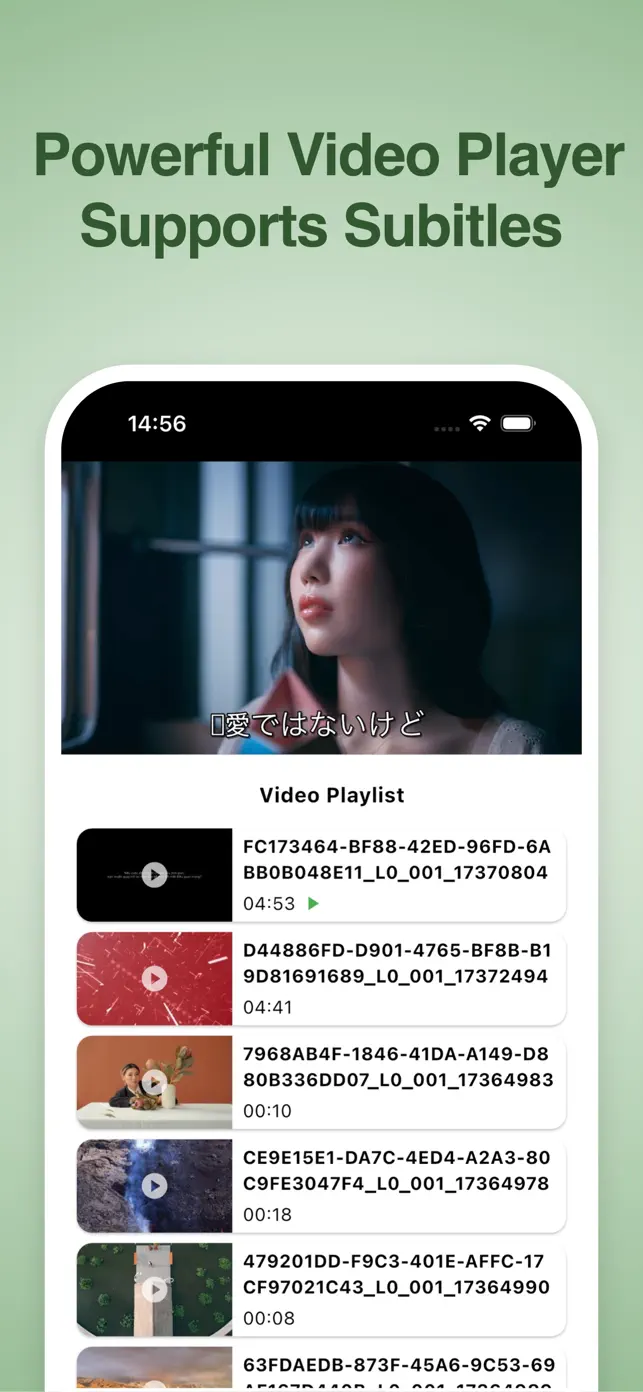
Easily create and edit subtitles for your videos. Convert them to SRT files or embed them directly into your videos. Supports voice-to-text input and extensive customization options for subtitle appearance and video quality.

โœ“Subtitle creation and editing
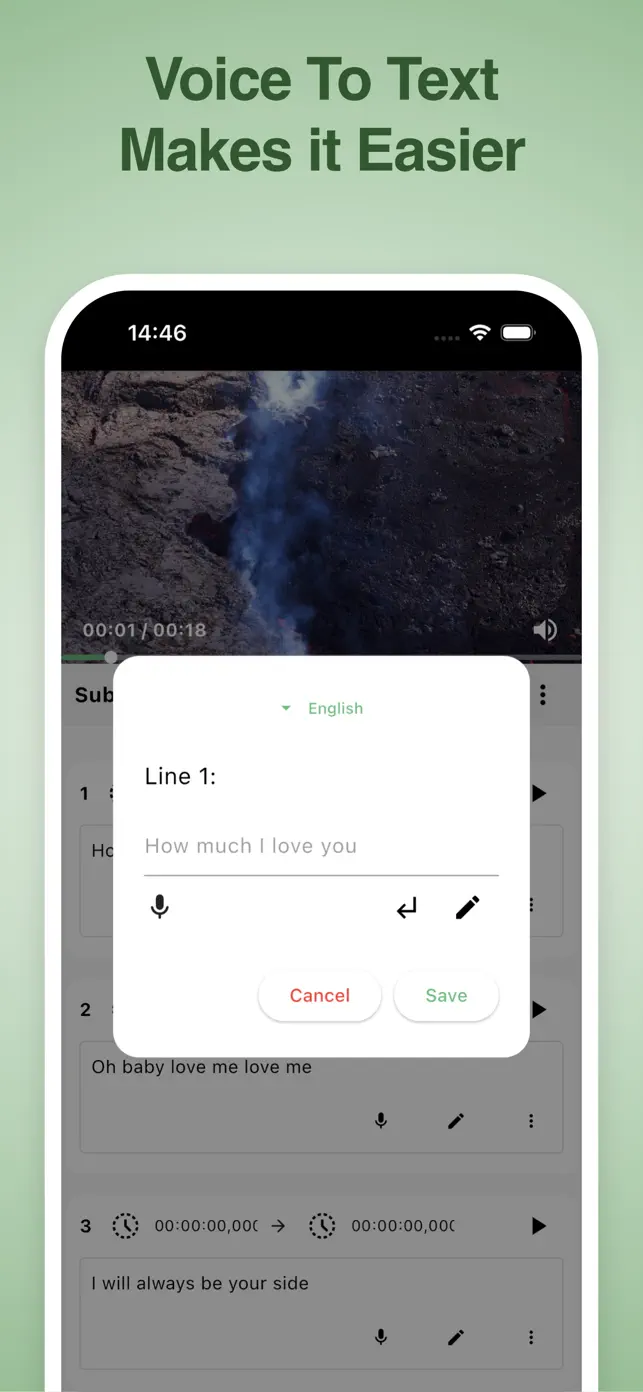
โœ“Voice to Text input
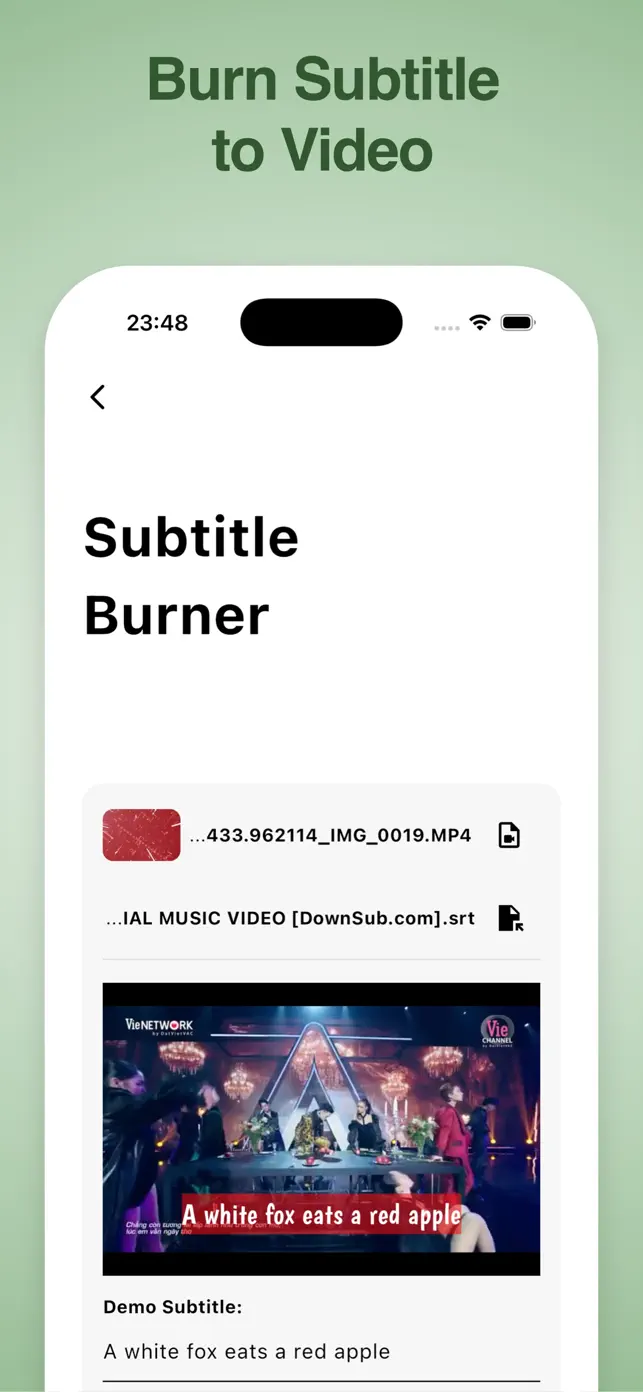
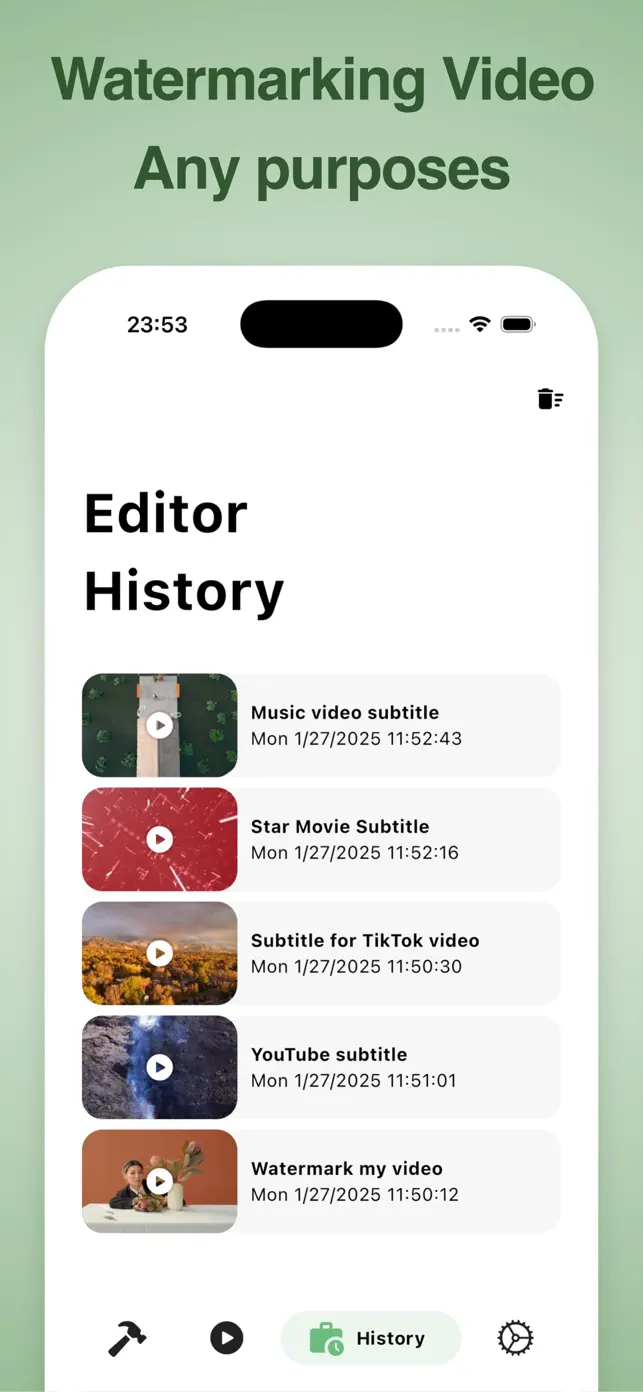
โœ“Burn subtitles into video
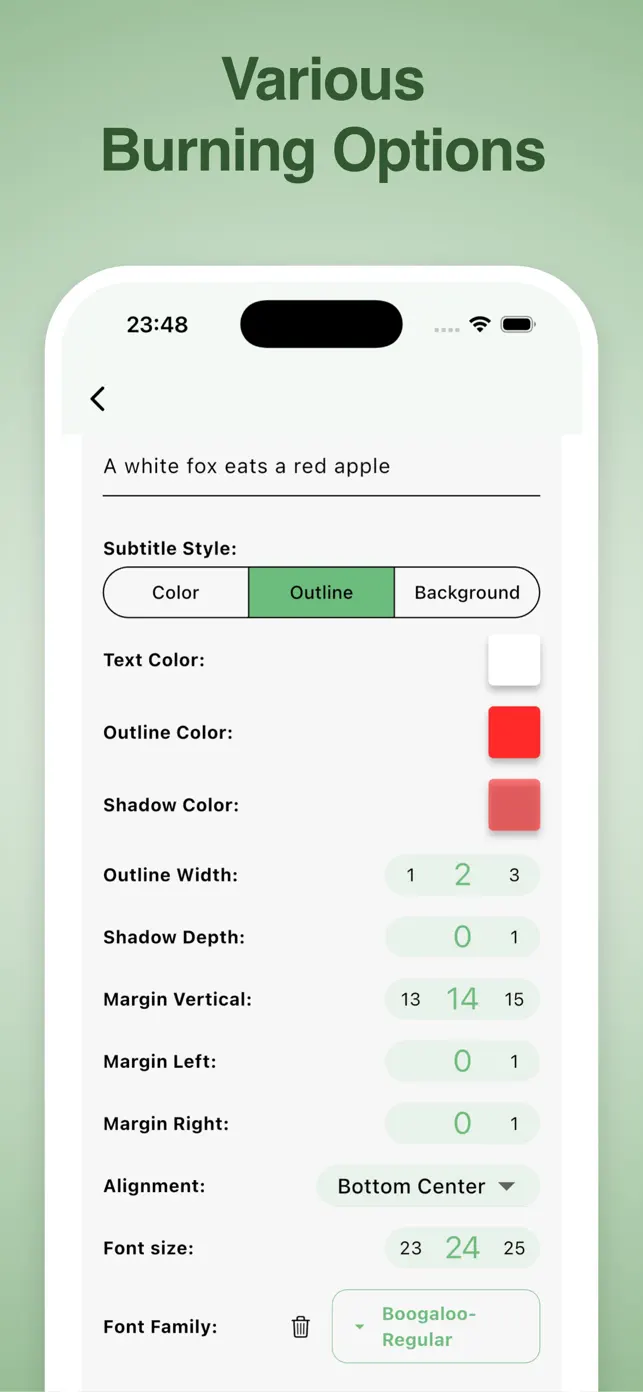
โœ“Customizable subtitle styles
โœ“Font download and management
โœ“SRT file export
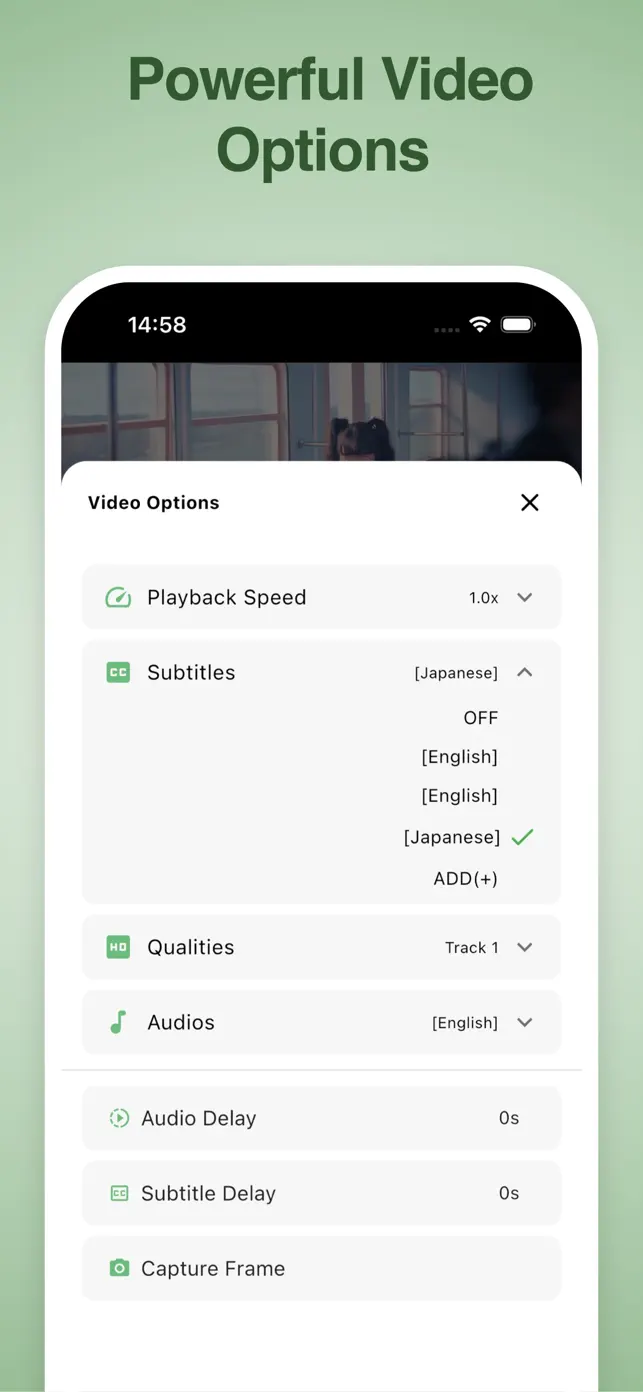
โœ“Video quality control
Show original description

What's New in VidSub

25.6.1200

June 12, 2025

Bug fix and improvement

1

In-App Purchases

$4.99

Remove Ads

Remove all ads in the app

User reviews

Not intuitive and not helpful

Too many ads not functionally helpful app

Good App

App does what you want. Create SRT files, get a timestamp from the video and snap your subtitle line to it. Would love it if you added a video waveform view under the video though!

Extracting subtitles

It says that 1 of the features is that itโ€™s possible to extract captions/subtitles from an existing videoโ€™s captions. I canโ€™t seem to find this feature/option on the app. Is it possible to do so?

Response from developer

Hi Maan, you can do it by clicking on the "Tools" button (the hammer icon) from the home screen of the app. In the tools screen, select "Extract subtitle tracks" to start with.

Developer apps

FAQ

Does VidSub have ads?

Yes, VidSub contains advertisements. As a free application with in-app purchases, ads are displayed to support its development and ongoing service.

What devices does VidSub support?

VidSub is available on iPhone, iPad, and iPod. It is designed for iOS devices.

How often is VidSub updated?

The latest version of VidSub is 25.6.1200, and it was last updated on June 12, 2025. This indicates a recent and active development cycle.

What is the age rating for VidSub?

VidSub has an age rating of 12+. This suggests it is suitable for users aged 12 and above.

Can I create subtitles using my voice in VidSub?

Yes, VidSub supports Voice to Text for faster subtitle input. You can record your voice to generate subtitle lines, saving time compared to manual typing.

What subtitle formats can VidSub convert to?

VidSub can convert subtitle files to SRT, VTT, and ASS formats. It also supports adding SRT files as subtitle tracks directly into your videos.

How can I customize subtitle appearance in VidSub?

You can customize subtitle styles with options for color, outline color, outline width, text shadow, alignment, and background. A Font Download Manager also allows importing custom fonts from Google Fonts.

What is the user sentiment for VidSub based on its rating?

VidSub has a strong user rating of 4.6 stars from 10 ratings, indicating generally positive user sentiment and satisfaction with its features.