MemoP

MemoP

Notepad with password lock

28 ratings
2 reviews
Free
In-App PurchasesWith Ads

Details

  • Released
  • Updated
  • December 30, 2017
  • June 14, 2026

Features

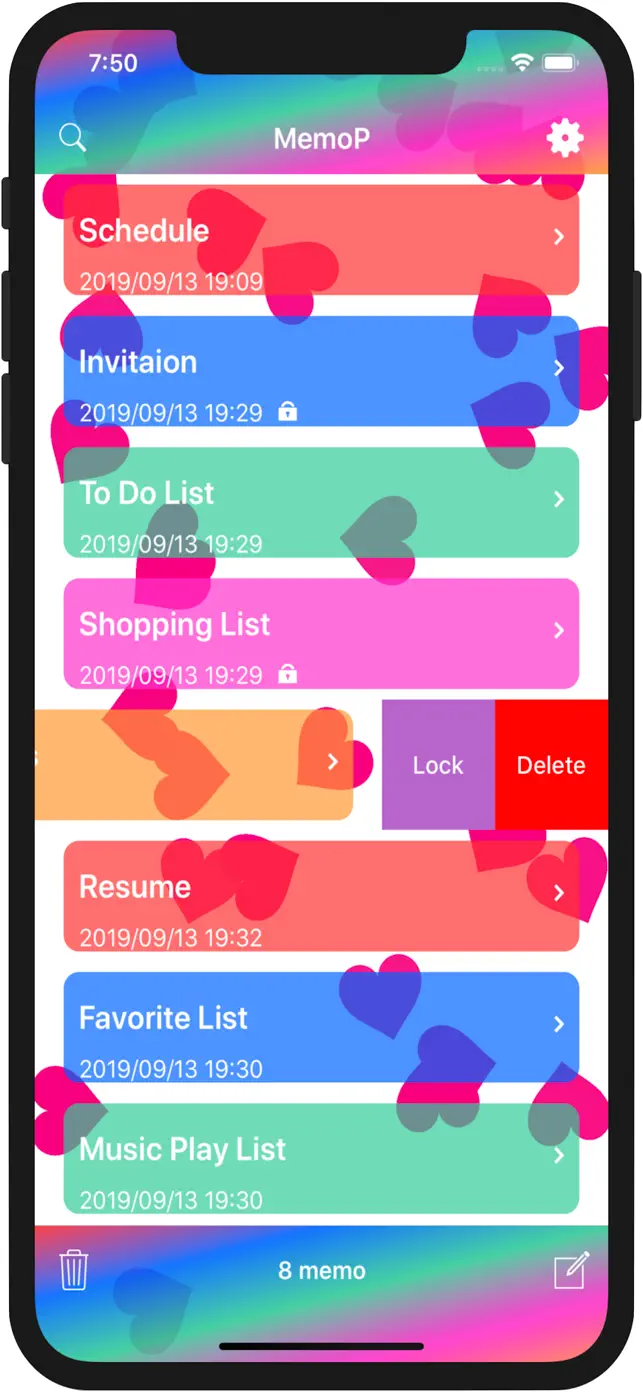
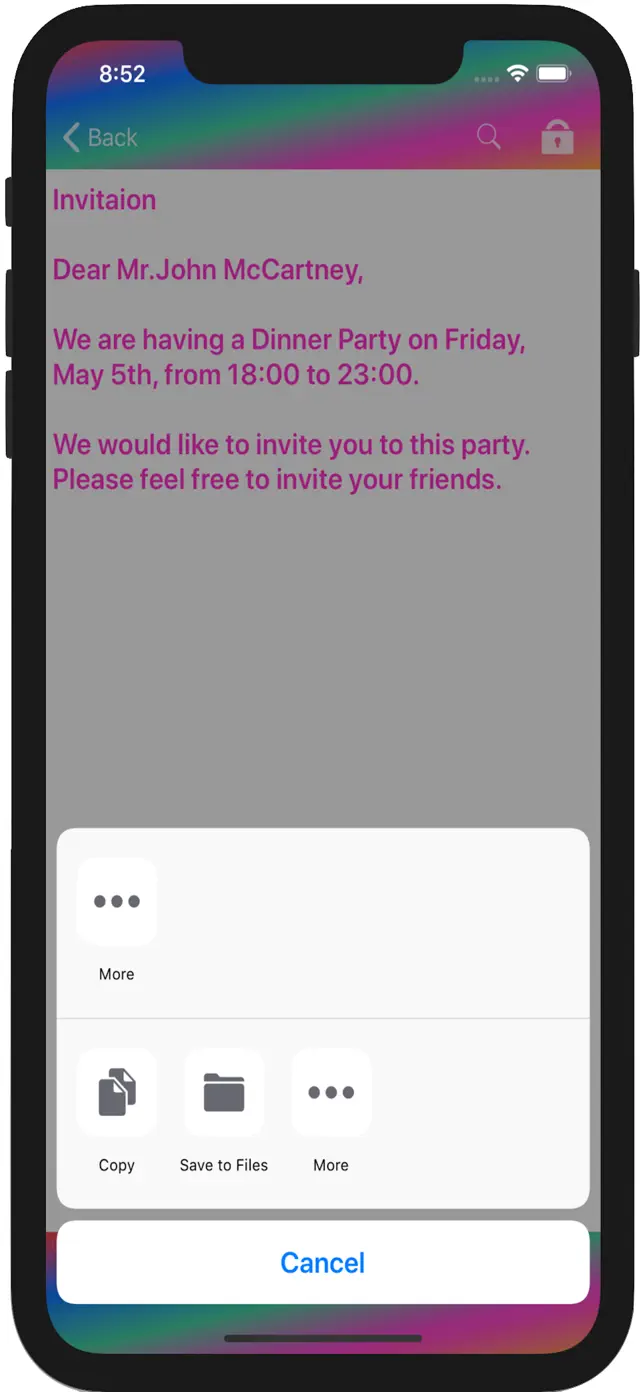
MemoP screenshot #1 for iPhone
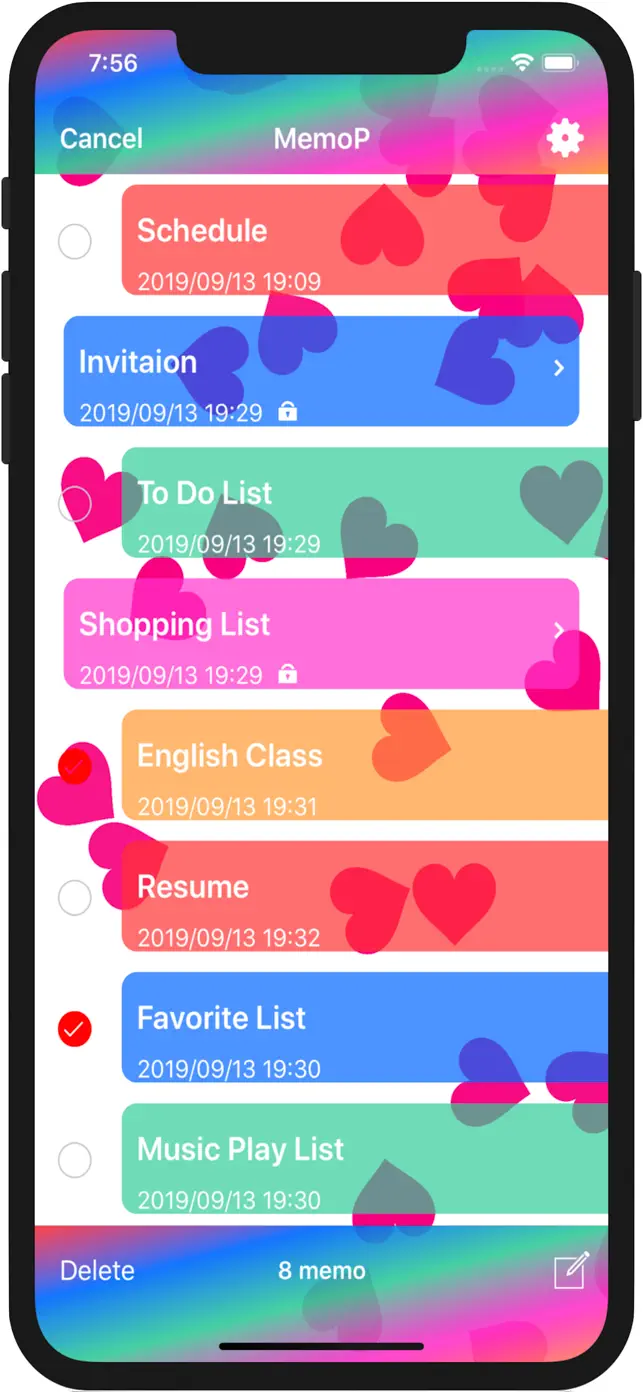
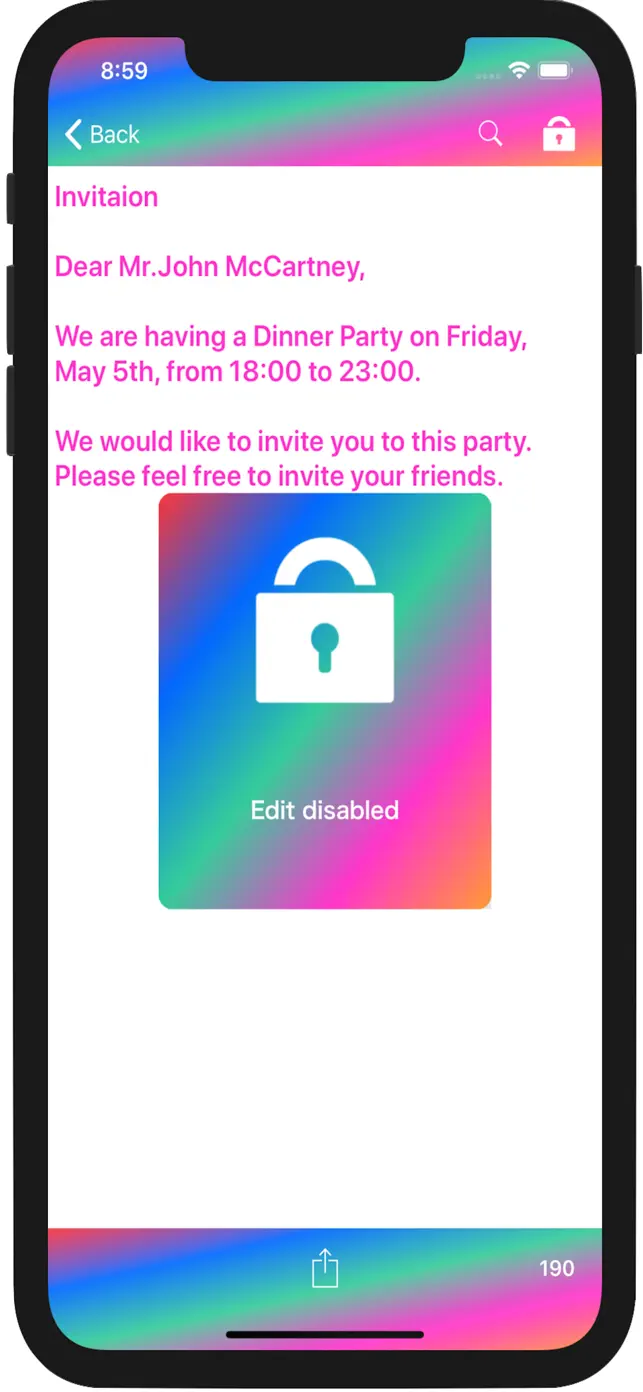
MemoP screenshot #2 for iPhone
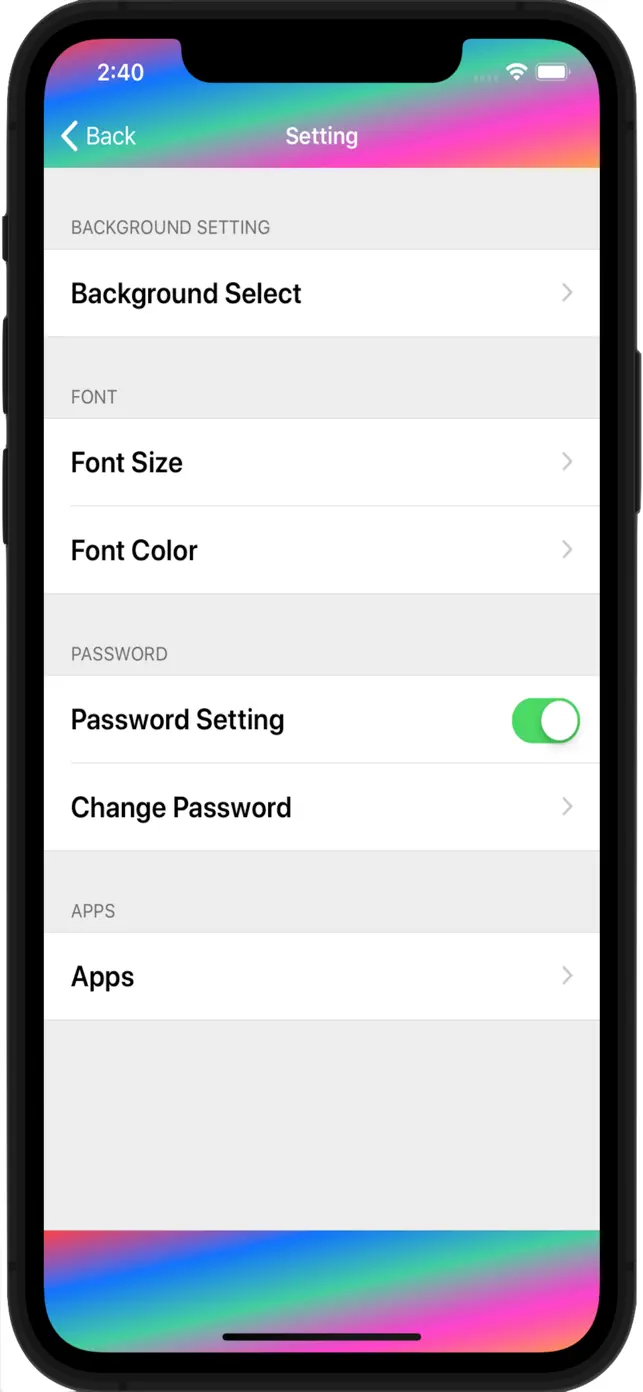
MemoP screenshot #3 for iPhone
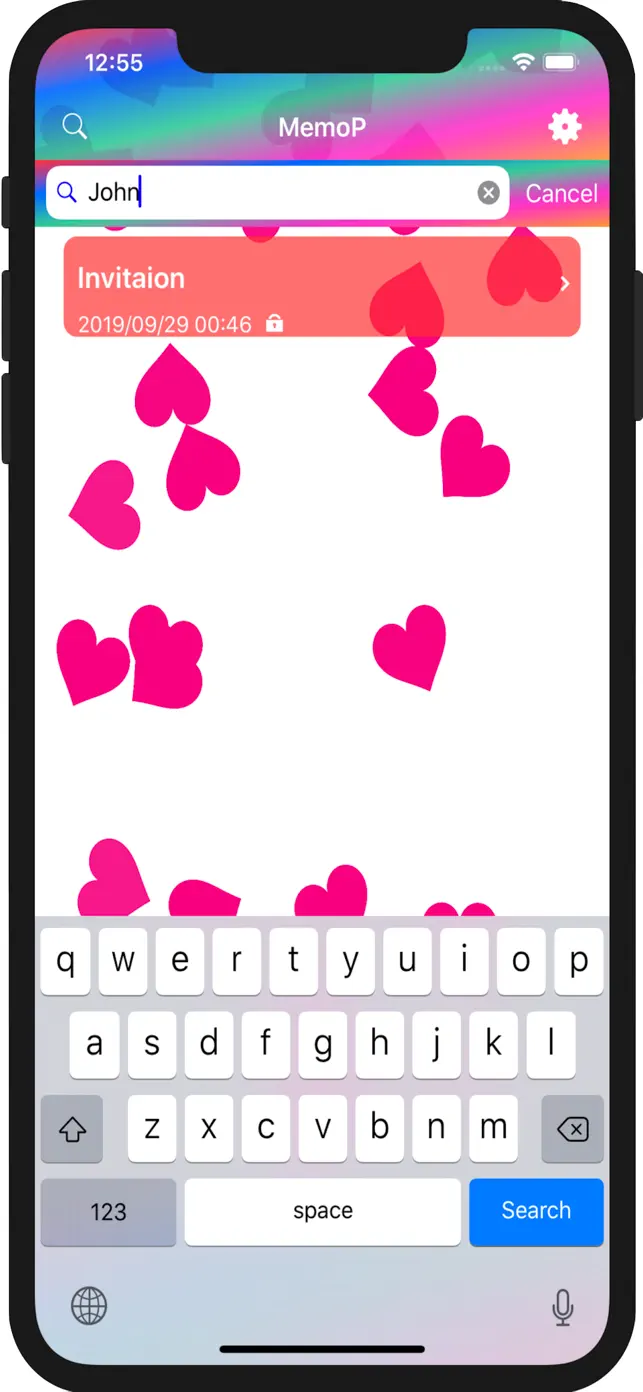
MemoP screenshot #4 for iPhone
MemoP screenshot #5 for iPhone
MemoP screenshot #6 for iPhone
MemoP screenshot #7 for iPhone
MemoP screenshot #8 for iPhone
MemoP screenshot #9 for iPhone
🖼️Get Icon
Icons↘︎

About

Securely store your notes with password protection and biometric authentication. Organize, edit, and share your memos with ease, featuring customizable backgrounds and search capabilities.

Password lock with Touch ID/Face ID
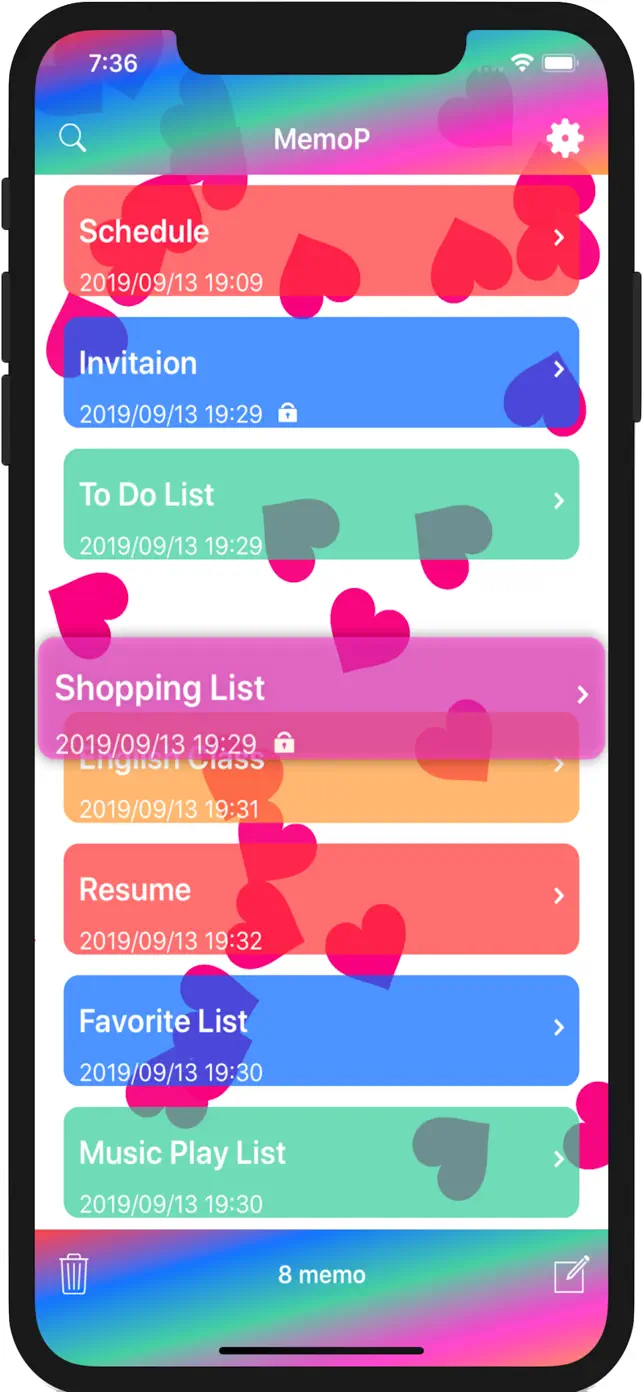
Drag and drop memo organization
Swipe to delete notes
Direct sharing to messages and social media
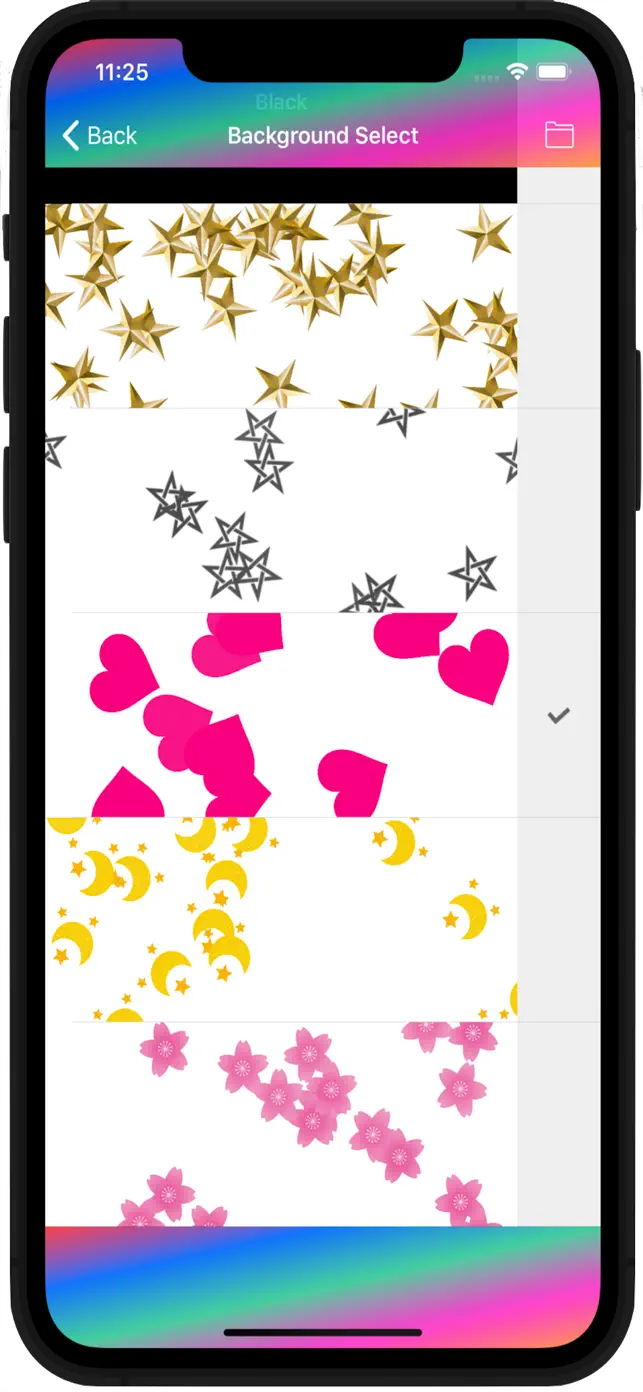
Customizable backgrounds from photo albums
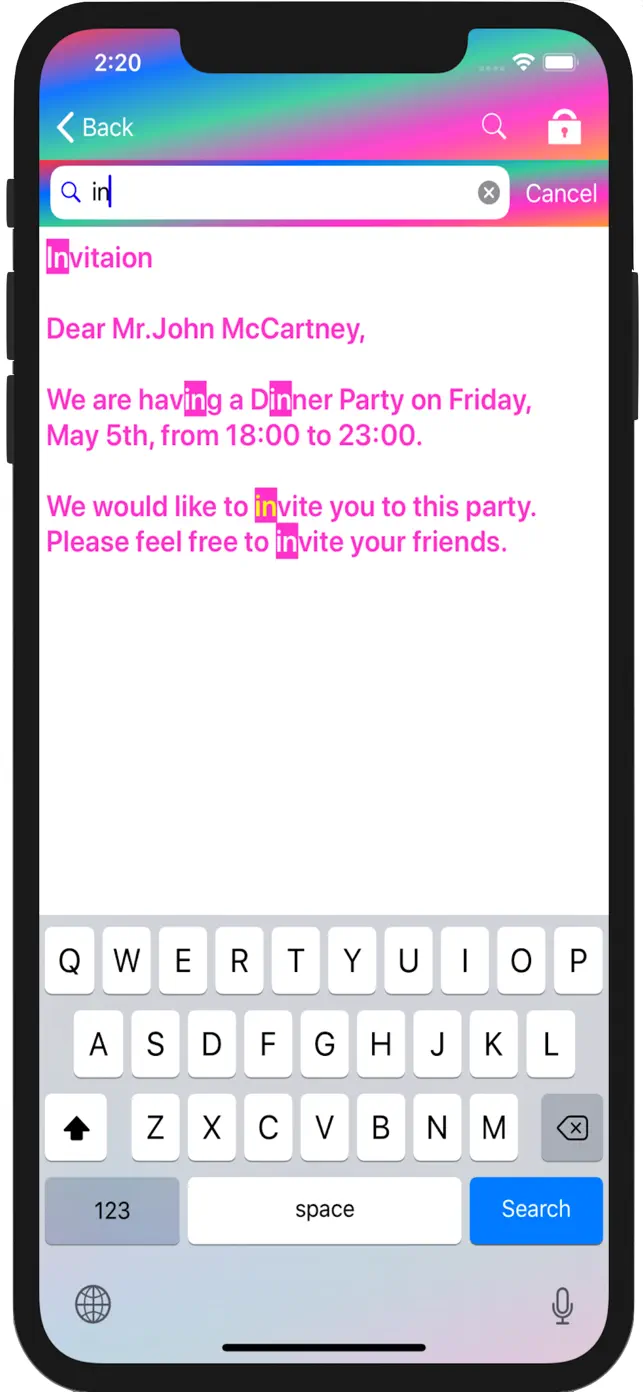
Search and character search functions
Adjustable font size and color
Show original description

What's New in MemoP

14.2

June 14, 2026

Minor bug fixes

1

In-App Purchases

$1.99

Ad-free

If you pay, ads will be hidden.

User reviews

Good so far

Would be nicer if you could revive the background pattern at the top, also a fake pair that lets you store fake notes. Also, when putting your phone face down, it should switch to your desired app so you doing get caught with your notes, like the “secret photo album - sa” app

Response from developer

Thank you for using my app! I will continue to improve my apps. Please continue to use my apps!

Hi

I love this app but I think that you could add word suggestions like autocorrect and I think you should be able to change the color of the text when writing
Please take note of these things but they are only suggestions to the app otherwise it’s great.

Response from developer

Thank you for using my app! I will continue to improve my apps. Please continue to use my apps!

Developer apps

FAQ

Does MemoP have ads?

Yes, MemoP contains advertisements. However, these ads can be hidden by making a payment within the app.

How secure is MemoP?

MemoP offers a password lock function that can be set up. It also supports Touch ID and Face ID for enhanced security, locking memos when the app is in the background.

Can I customize the look of MemoP?

Yes, you can select different backgrounds for the main screen. This includes pre-set patterns and the ability to use images from your photo album.

What are the editing capabilities of MemoP?

Memos can be easily edited, moved by dragging and dropping, and deleted with a swipe. You can also lock important edits to prevent accidental erasure.

How does MemoP handle data if the app is deleted?

Deleting the MemoP application will result in the deletion of all saved memo data. It is important to back up critical information if necessary.

What is the character limit for a memo in MemoP?

For devices running iOS 6.0 or later, the maximum number of characters that can be entered in a single memo is 100,000.

How often is MemoP updated?

The latest version of MemoP is 14.0, and it was last updated on March 14, 2026. This indicates a history of regular updates.

What devices is MemoP compatible with?

MemoP is currently supported on iPhones. Specific iOS version requirements are not detailed but are implied by the character limit note.