

Task Office: to-do, calendar

Task Office: to-do, calendar

Daily GTD organizer and CRM

68 ratings
31 reviews
$19.99

Details

  • Released
  • Updated
  • September 2, 2015
  • May 1, 2024
Task Office: to-do, calendar video #1 for iPhone
Task Office: to-do, calendar video #2 for iPhone
Task Office: to-do, calendar video #3 for iPhone
Task Office: to-do, calendar screenshot #4 for iPhone
Task Office: to-do, calendar screenshot #5 for iPhone
Task Office: to-do, calendar screenshot #6 for iPhone
Task Office: to-do, calendar screenshot #7 for iPhone
Task Office: to-do, calendar screenshot #8 for iPhone
Task Office: to-do, calendar screenshot #9 for iPhone
Task Office: to-do, calendar screenshot #10 for iPhone
Task Office: to-do, calendar screenshot #11 for iPhone
Task Office: to-do, calendar screenshot #12 for iPhone
Task Office: to-do, calendar screenshot #13 for iPhone
iphone
ipad
🖼️Get Icon
Icons↘︎

About

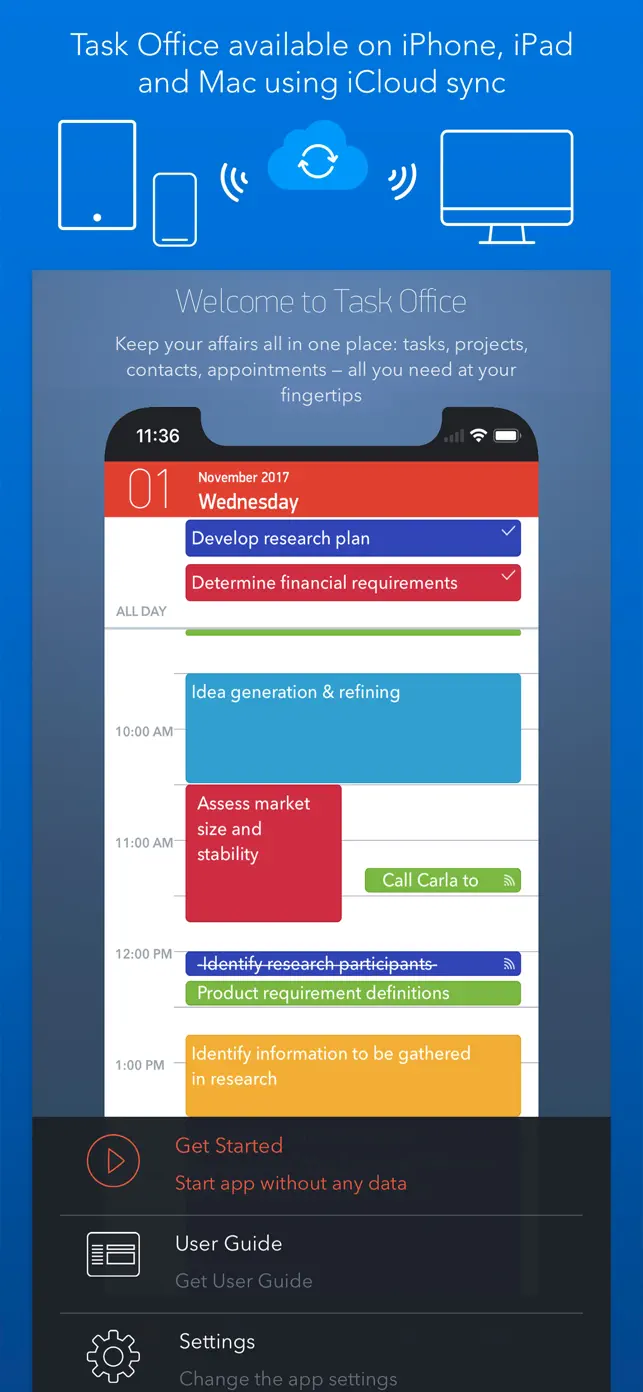
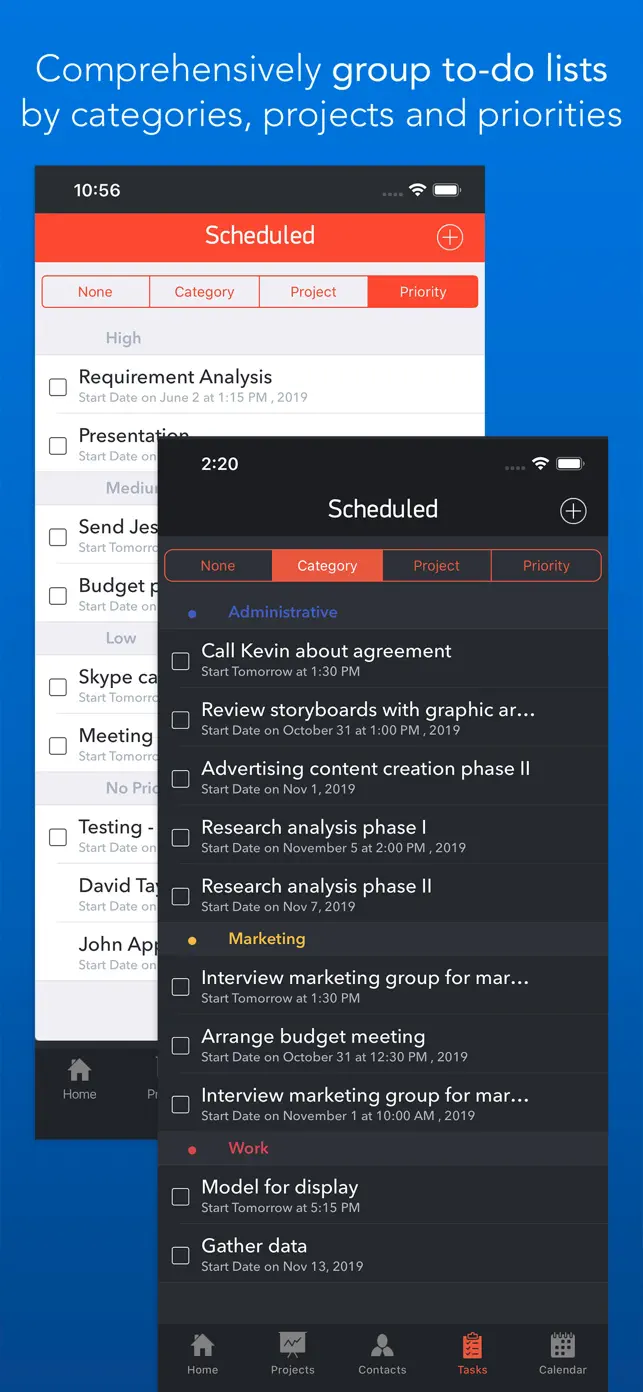
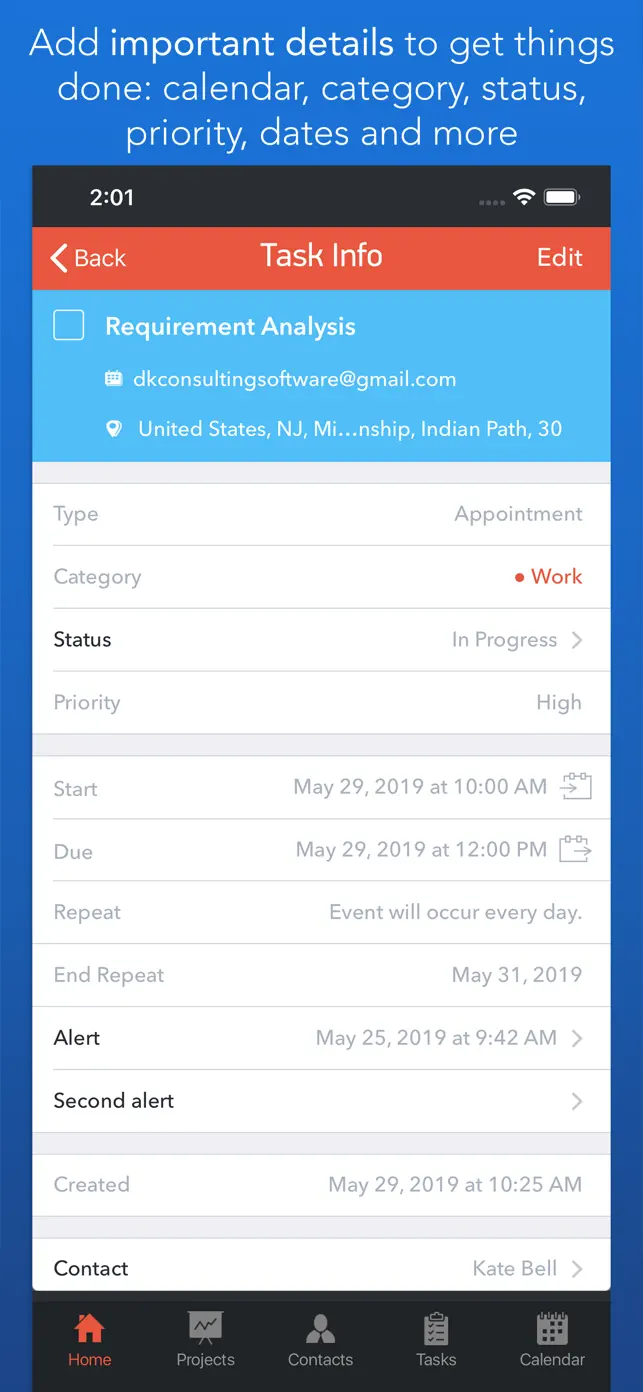
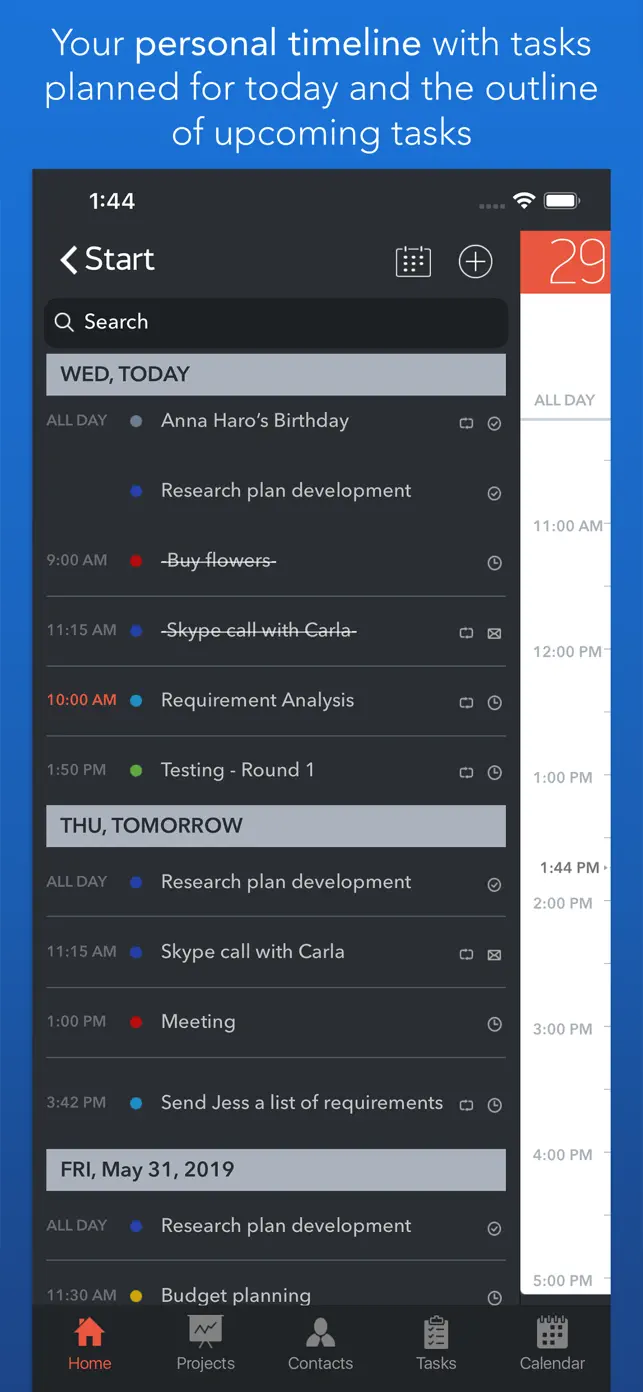
This app helps you organize your daily tasks, projects, and contacts for efficient business planning and scheduling. It offers a clear overview of your day, detailed GTD organization, and team management features.

Daily task and project planning
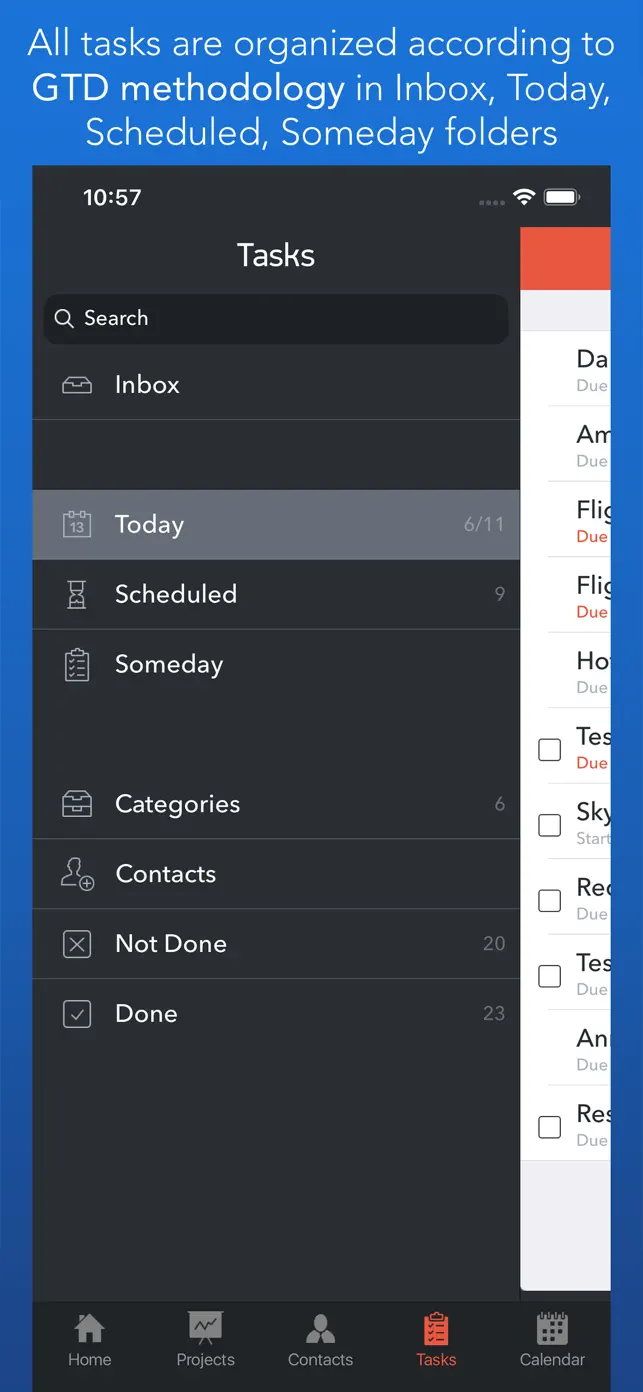
GTD methodology organization
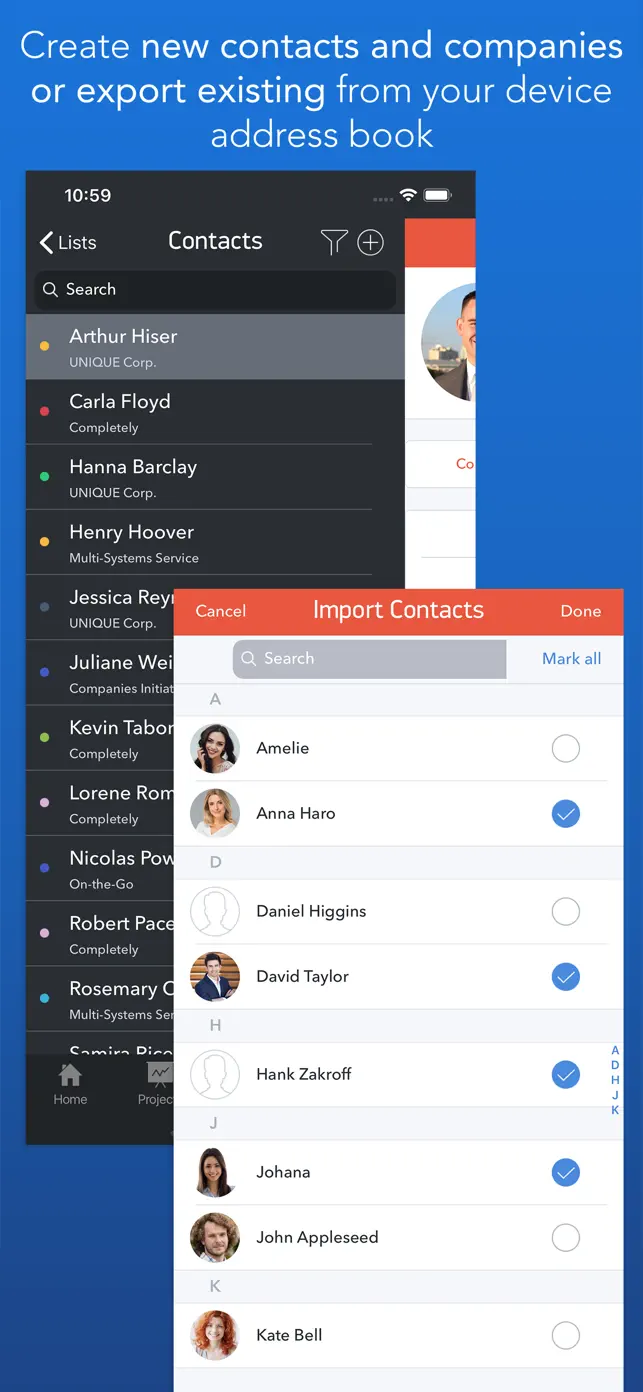
Contact and CRM management
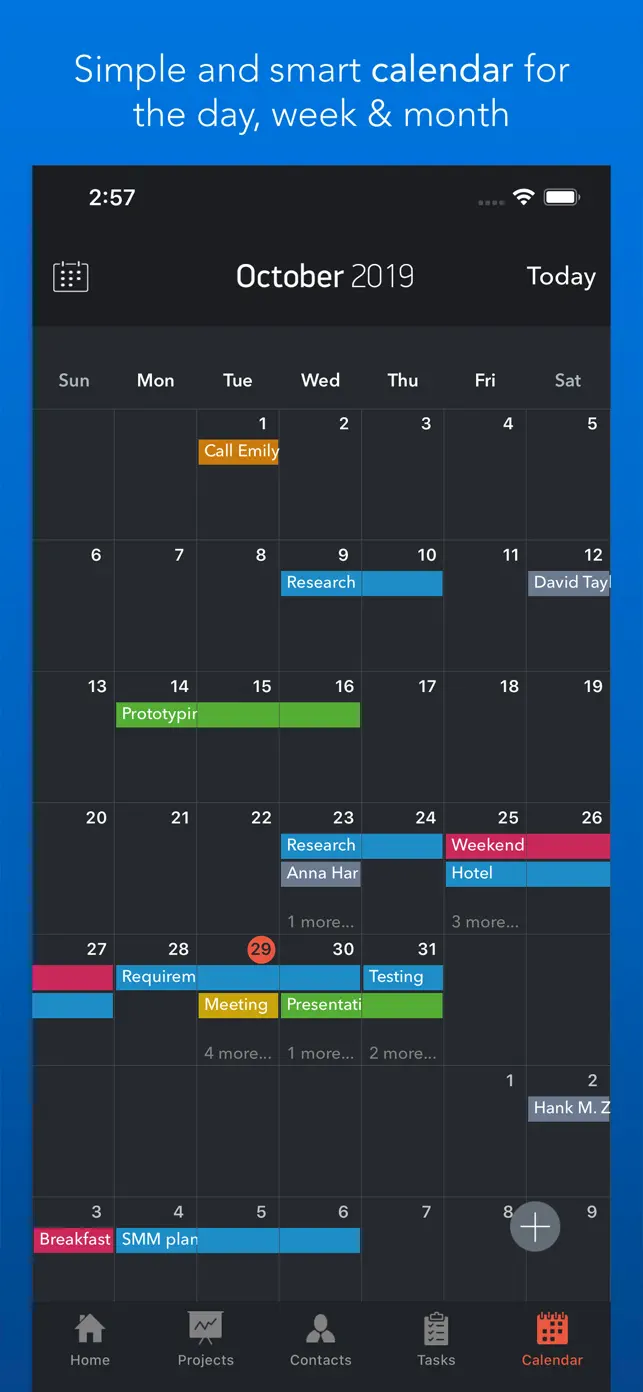
Visualized calendar with drag-and-drop
Team task assignment
Progress tracking
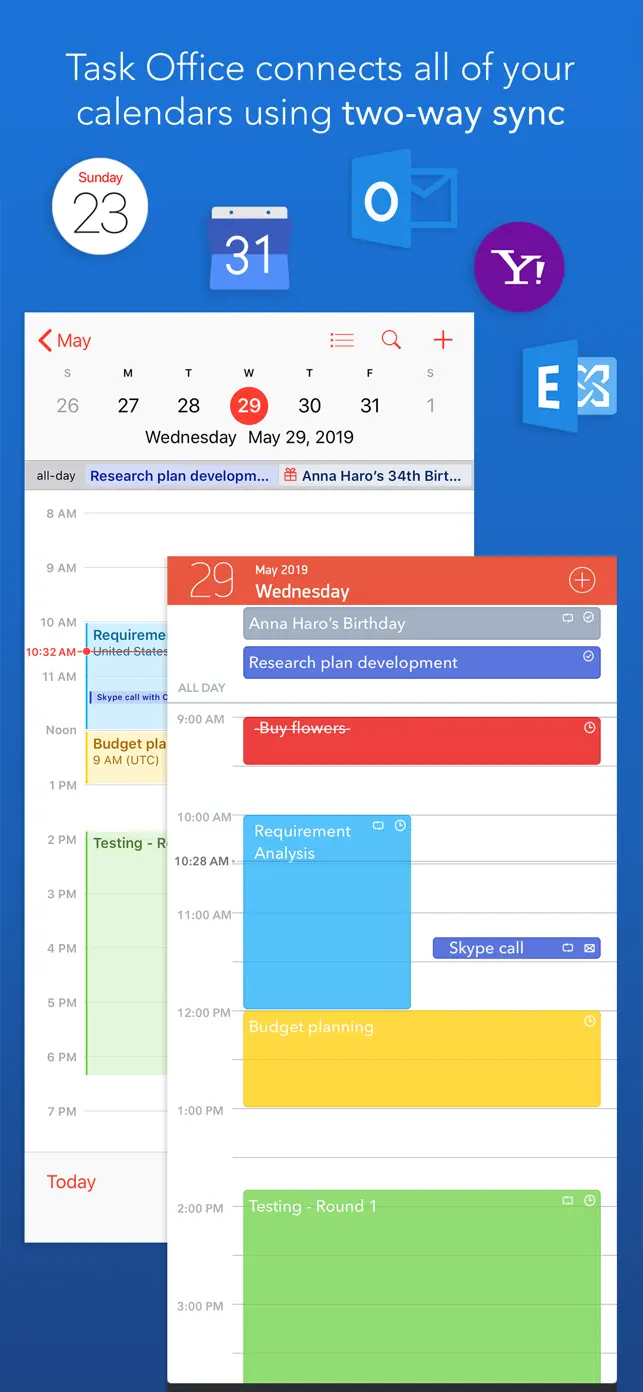
Calendar syncing
Show original description

What's New in Task Office

11.0

May 1, 2024

Task Office version 11.0 squashes bugs and makes some performance and stability improvement: • Fixed an issue which occurred when purchasing the app.

User reviews

Ugh

I’m sorry I paid for it. It doesn’t allow me to delete some tasks when they are done. It keeps popping up with its own “welcome to task office” page and then has its own tasks. It’s hard to get rid of that. I now have 52 tasks listed when I only have 4.

Does not show multiple months of calendars you get only a one month view.

Ended up with over 6 months of overdue items.

Issues with syncing and organization

I might be stupid but despite bring different categories my calendar doesn’t display events as different colors.

Don’t do it!

Loaded this app and created my second project, and every previous event on my calendar became one of 522 open tasks! Great concept but this is insane. Not worth $20!

Needs work

Please take out task potion of the app. When I synced one of my apps to have the dates show in the calendar, all of my previous dates showed up as tasks and showed I had 33 notifications. These dates had already passed and there’s no way to get rid of them.

Developer apps

FAQ

What does Task Office do?

Task Office is a comprehensive productivity app designed to help you manage your daily tasks, projects, and contacts. It integrates GTD methodology, a visual calendar, and CRM features to make business planning and scheduling more efficient.

What are the key features of Task Office?

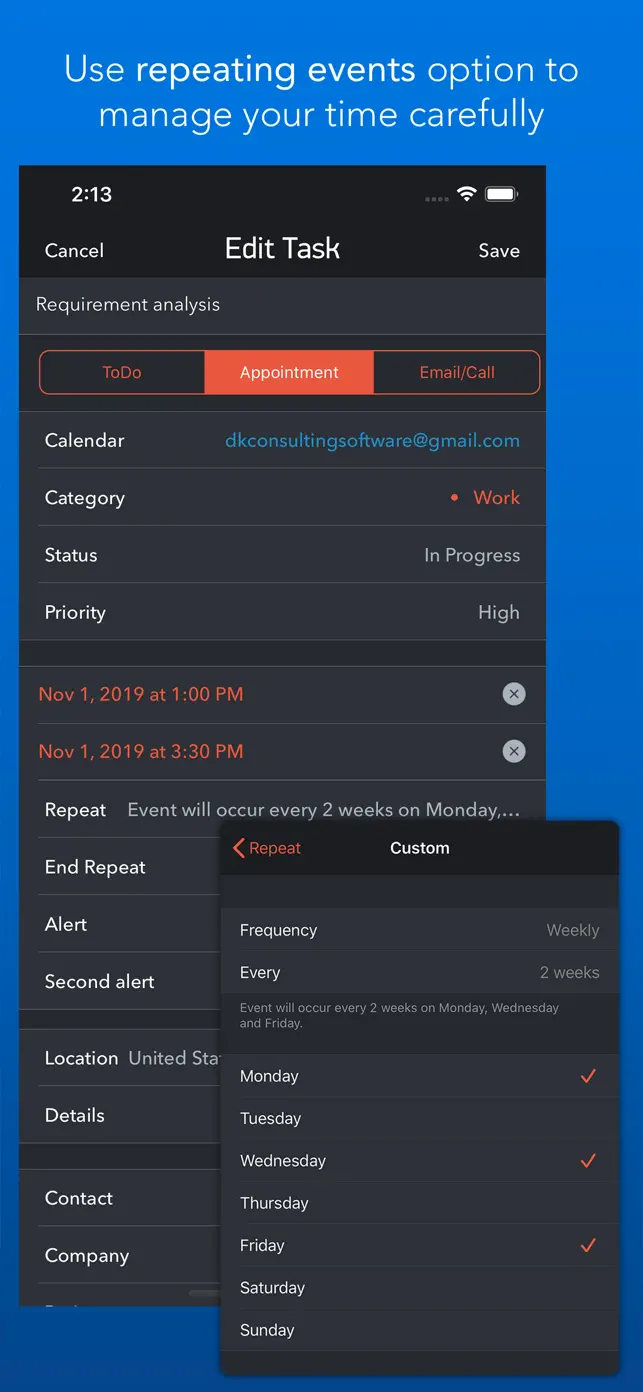
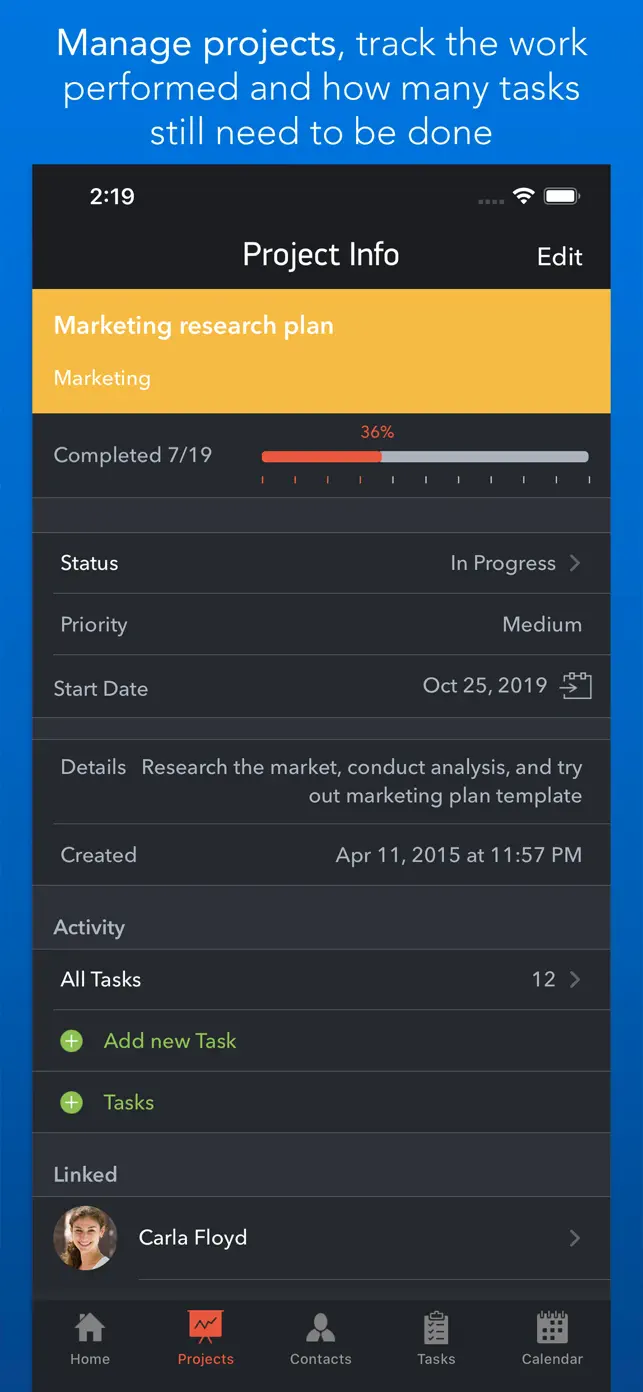
Key features include daily planning on a Home screen, quick navigation, detailed GTD organization with task types like ToDo, Appointment, and Email/Call, project progress tracking, contact management, and a visualized calendar with syncing capabilities.

Is Task Office free to use?

Yes, Task Office is available for free. The provided information indicates no in-app purchases or advertisements, suggesting a completely free experience.

What platforms is Task Office compatible with?

The description mentions that Task Office syncs with Calendars such as iCloud, Google Calendar, and Exchange. While specific operating systems are not listed, this implies compatibility with devices that support these calendar services, typically iOS and Android.

How can Task Office help me manage my team?

Task Office allows you to create and manage contacts, assign tasks to individuals from your contact list, and group contacts into Private Lists to monitor their productivity and task implementation. You can also view who is involved in a project.